



Saturdays, 10am–4pm · Jalan Pemimpin
Tinker X
An open makerspace for kids (and grown-ups) who want to build their own projects. Drop in on a Saturday, pick something to make, and work on it with a mentor in the room and AI tools on hand.
- When
- Saturdays, 10am–4pm
- Book a day, then arrive any time.
- How long
- 2–3 hours
- What most members stay for.
- Cost
- First session free
- Then $50 a session.
How a Saturday works
-
Talk
Tell Akmal what you want to make, or what you're curious about. If you're not sure yet, that's the first conversation.
-
Point
He points you to a tutorial, our course notes, a kit from the library, or the right machine.
-
Build
You work on it. He checks in now and then, and you ask when you're stuck.
-
Reflect
Before you leave, you talk through what you learnt and what comes next.

Your mentor
Akmal
Cornell grad (CS & EE) and former MOE Physics and Maths teacher. Co-founded Tinkercademy and runs Tinker X every Saturday. Spends the rest of the week vibe coding side projects, building electronics, and 3D printing and laser cutting on the same machines you'll use.
Making real things, and getting them to work
Members build what they want to build, not what they're told to. There's no curriculum and no set project, so one member makes a word clock while another wires an Arduino into a coffee machine. Choosing a project, planning it and seeing it through are things most students never get to practise in a classroom.
Physical computing is code that does something in the room: it lights an LED, turns a motor, reads a sensor, or sounds an alarm at 7am. Digital making covers the rest of the project, like designing a case on a laptop, then laser cutting it from plywood or 3D printing it.
Real things don't behave like a screen. Parts don't fit, wires come loose, and a sensor reads nonsense until you find out why. So a good part of every Saturday goes into troubleshooting: checking one thing at a time, measuring instead of guessing, and trying again.
For a curious kid, that's the fun part. Each problem is a puzzle, and they pick up the theory (Ohm's law, loops, tolerances) because the project won't work without it.
Building with AI, thinking for yourself
Agentic coding tools (Claude Code, Codex, Cursor) can now build a working app from a paragraph of instructions. Professional developers use them every day, and so do our members. We're still working out, session by session, where they help a learner and where they get in the way.
What we've seen so far: the AI will happily write code a 13-year-old can't read, and fix a bug they never understood. So we let it handle the parts that would stall a project (a library they've never used, an error message that makes no sense) and keep the thinking with the member.
Before ChatGPT, I was the one answering those questions. AI answers most of them now. It won't notice you've been stuck on the same bug for 40 minutes. It won't tell you the project you picked is really three projects. And it won't ask, at the end of the day, what you actually learnt.
What members have built
A few past projects, each written up by the member who made it.
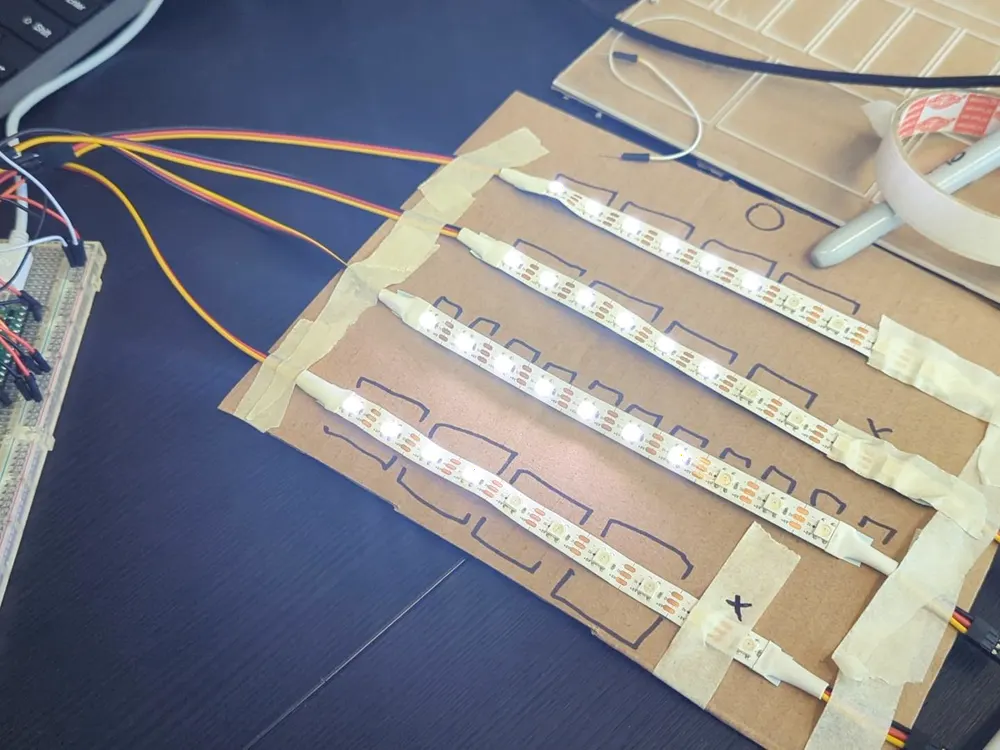
Berlin clock
Aidan
A clock that tells the time in rows of coloured LEDs, run by a Raspberry Pi Pico. He debugged it until the lights came on in the right order.
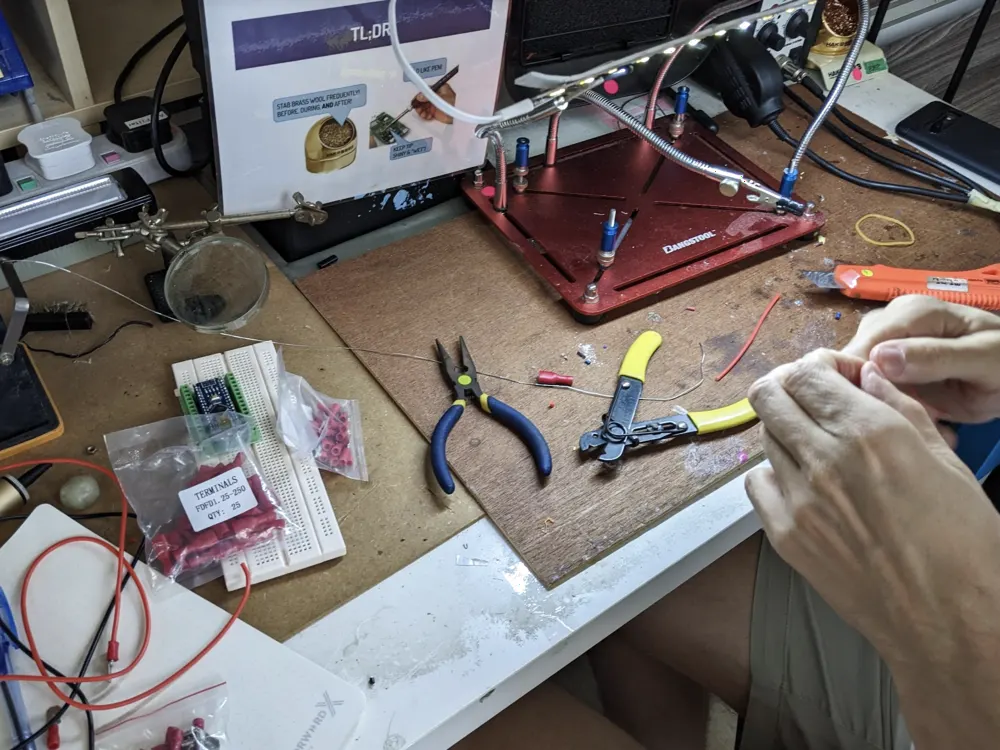
Arduino coffee machine
Raphael
Learnt to solder while wiring an Arduino into a Gaggia coffee machine.
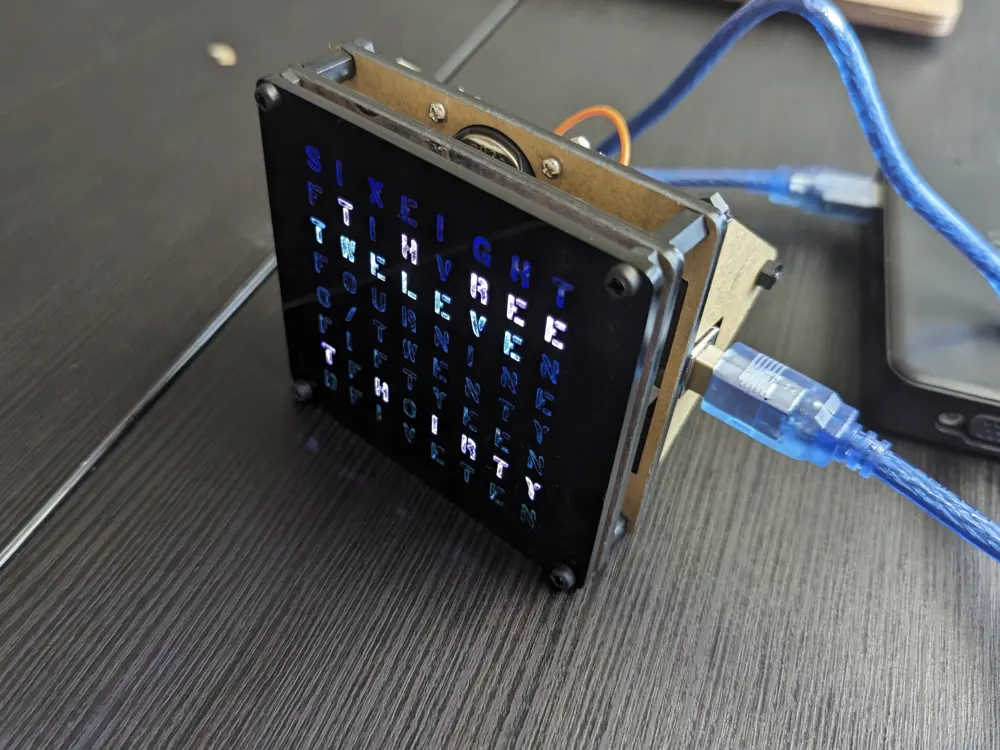
Word clock
Dhruv
Worked out the hardware and wrote the code for a word clock, with no instructions to follow.
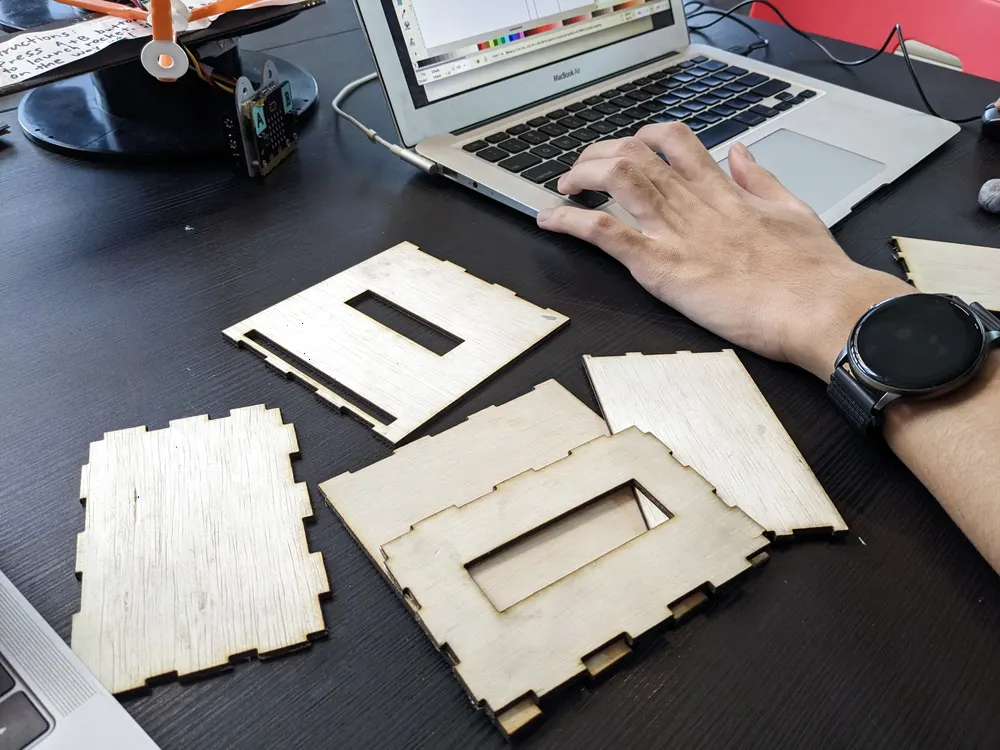
Laser-cut alarm clock
Pin Hua
Designed the housing in Inkscape and laser cut it, fixing the file each time the pieces didn't fit.
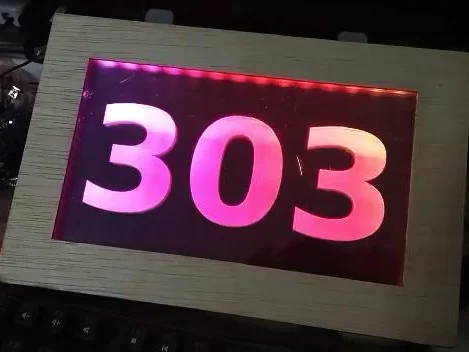
Class sign
Kevin
An engraved, LED-lit sign for his classroom door.
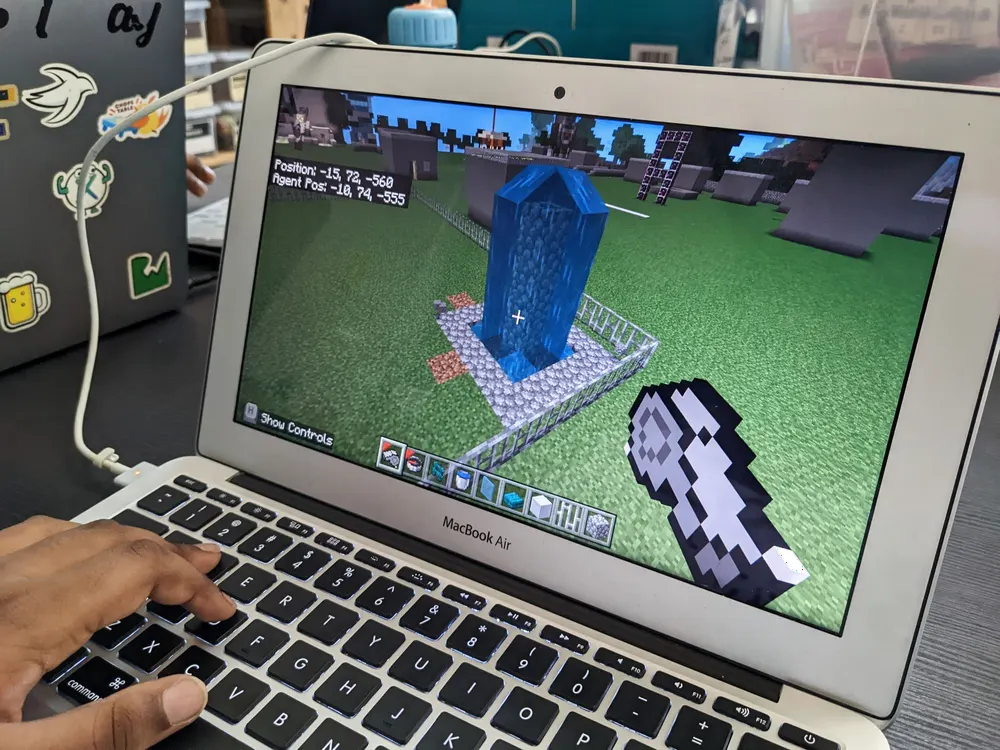
Minecraft city builder
Kavi
Programmed an agent in Minecraft: Education Edition to build a city for him.
More past projects on the Tinker X blog.
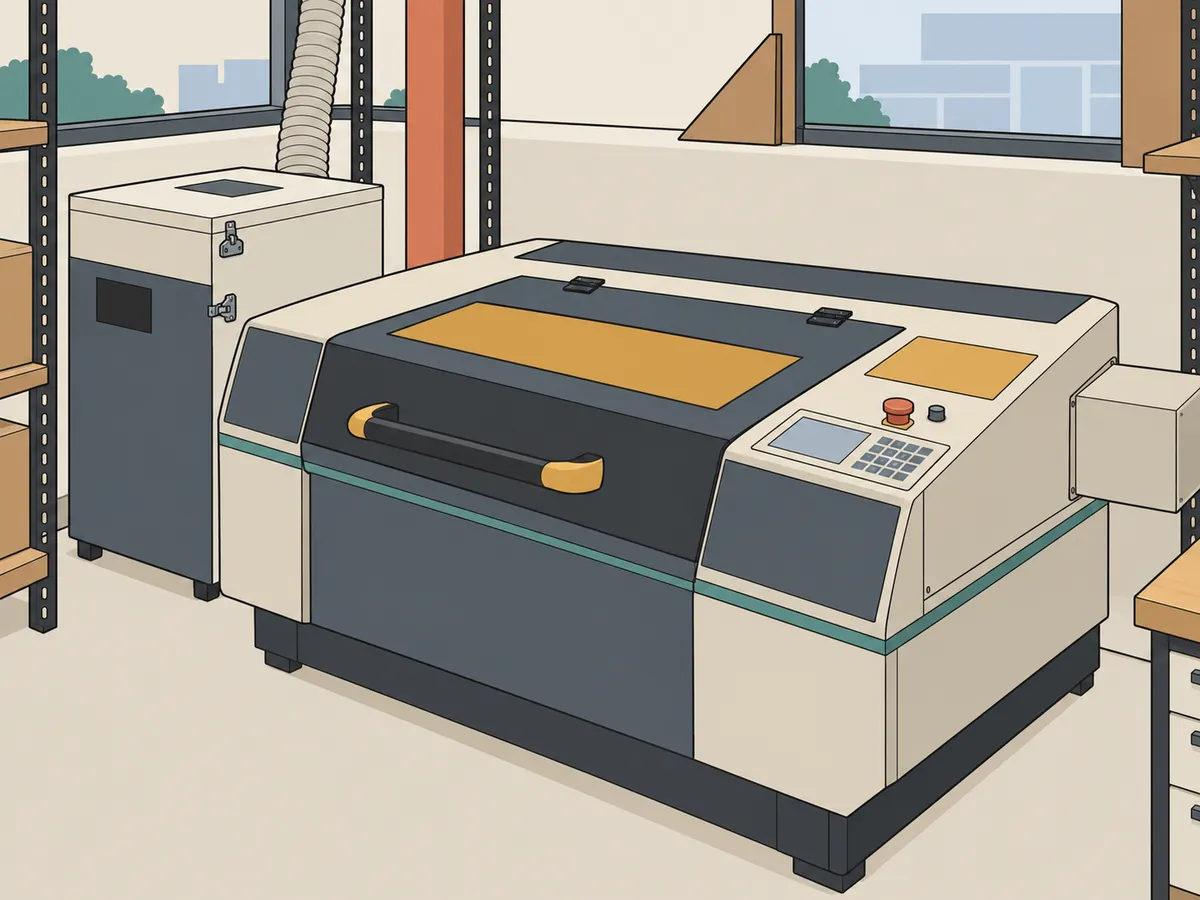
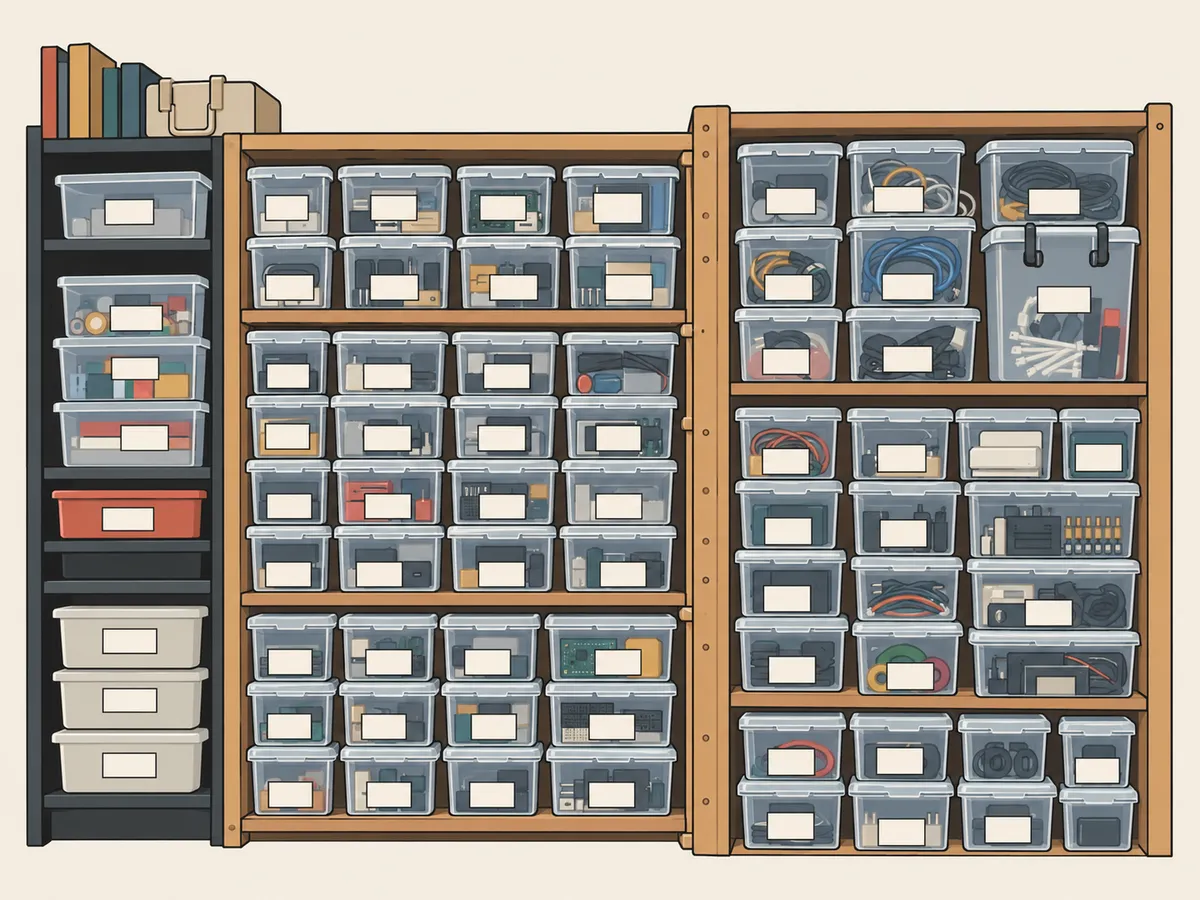
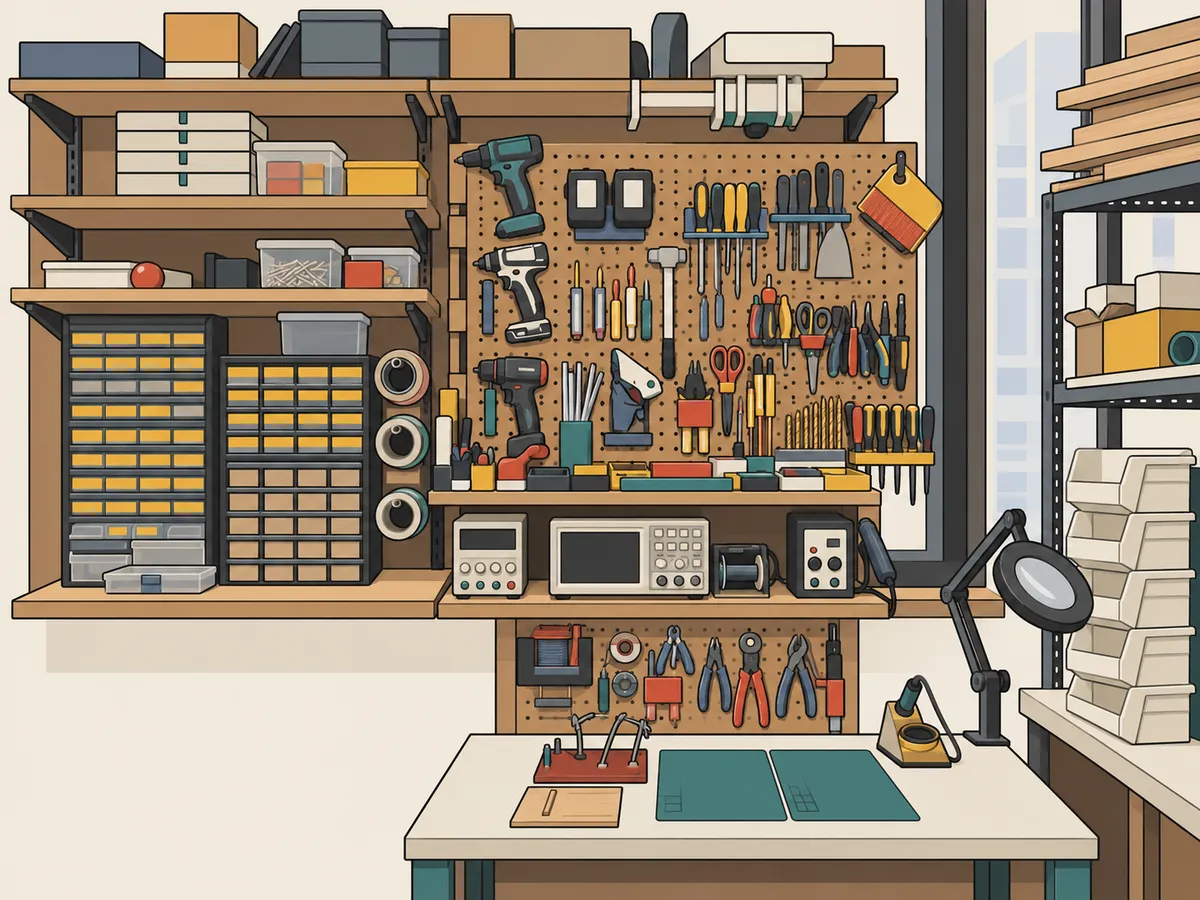
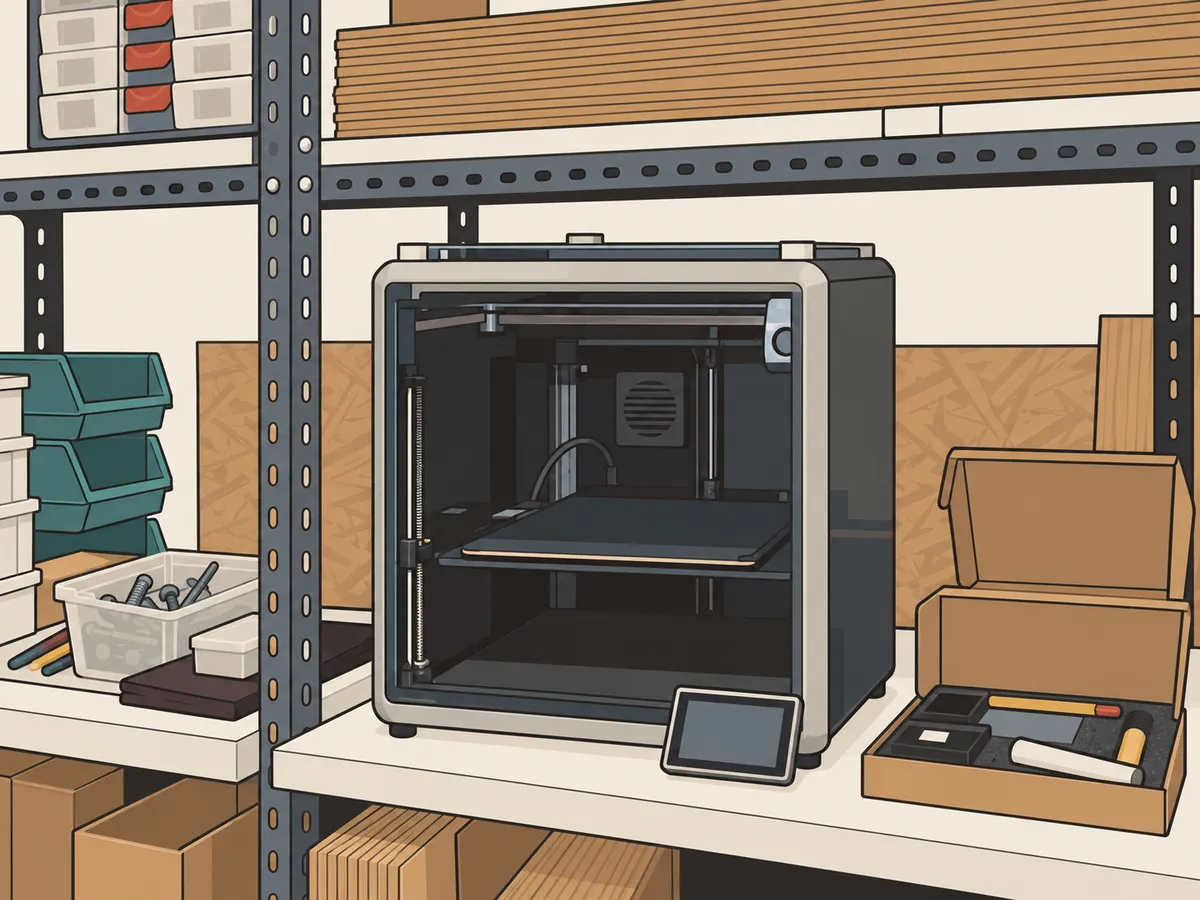
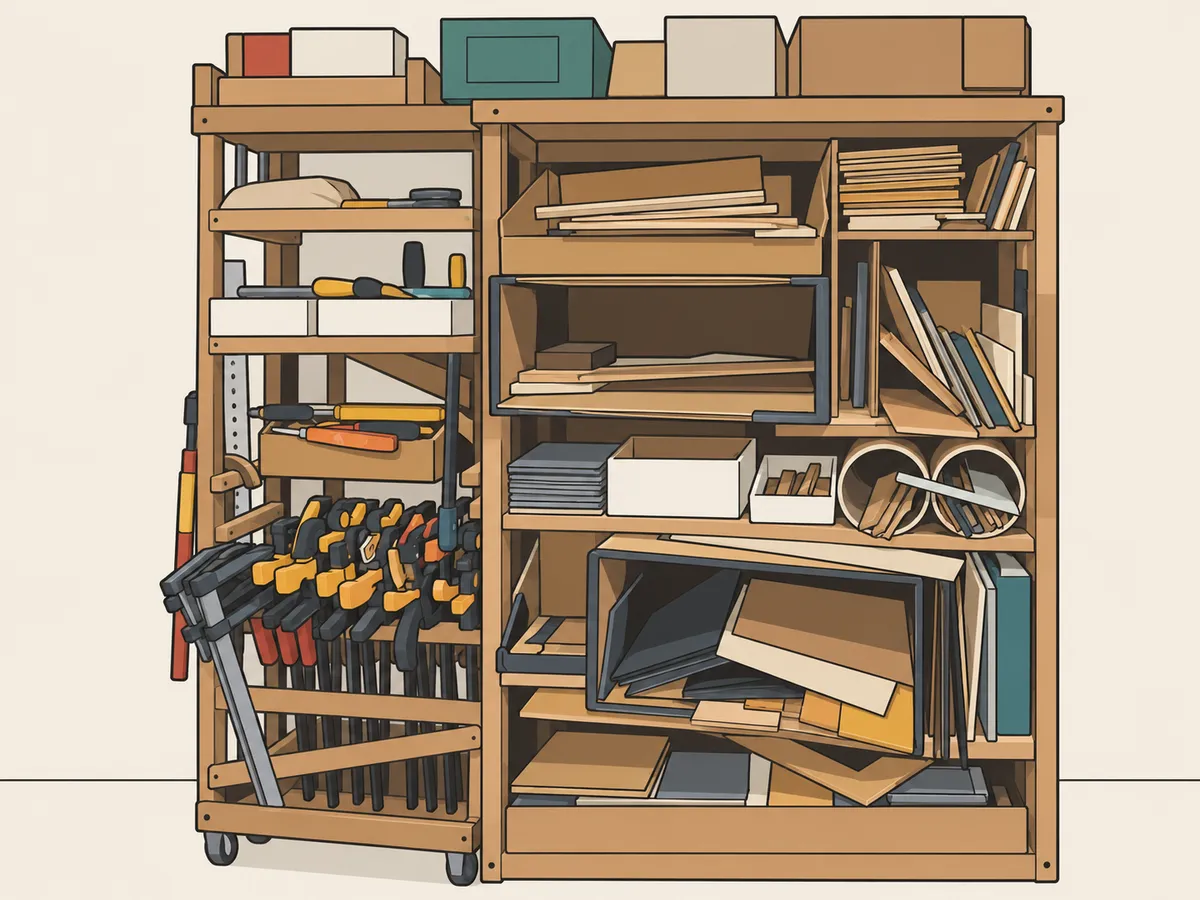
What's in the room
Members can use everything here (with a safety briefing for the machines), plus our course notes and a library of kits.

Try it free, then pay per session
No membership and no packages. You pay only for the Saturdays you come.
-
Every Saturday after
$50 a day
Book each Saturday online, whenever you want to come.
Book a day pass
Every session includes
- A mentor in the room all day
- The laser cutter, 3D printers and electronics bench, after a safety briefing
- The parts library, kits and our course notes
- AI tools, and a laptop to borrow if you need one
- Stay as long as you like, 10am–4pm
Prices in SGD. If cost is a barrier, see Tinker X Scholars.
Questions parents ask
How old does my child need to be?
There's no minimum age. Most members are in secondary school, and the youngest who get a lot out of it are around 11 or 12.
Do they need coding experience?
No. Beginners start with a guided project, and experienced members bring their own.
What if they don't know what to build?
That's the first conversation of every session. We'll suggest something based on what they like and what past members have made.
Do they need a laptop?
Bring one if you can. We can lend one if not.
Do parents stay?
Your choice. Stay, drop them off, or let them come on their own.
How does booking work?
Book a Saturday, then arrive any time between 10am and 4pm that day. Most people stay 2–3 hours.
Can adults join?
Yes. Tinker X isn't only for kids.
How is this different from an enrichment class?
There's no fixed syllabus. Members pick a project and learn what they need to finish it, with help when they get stuck.
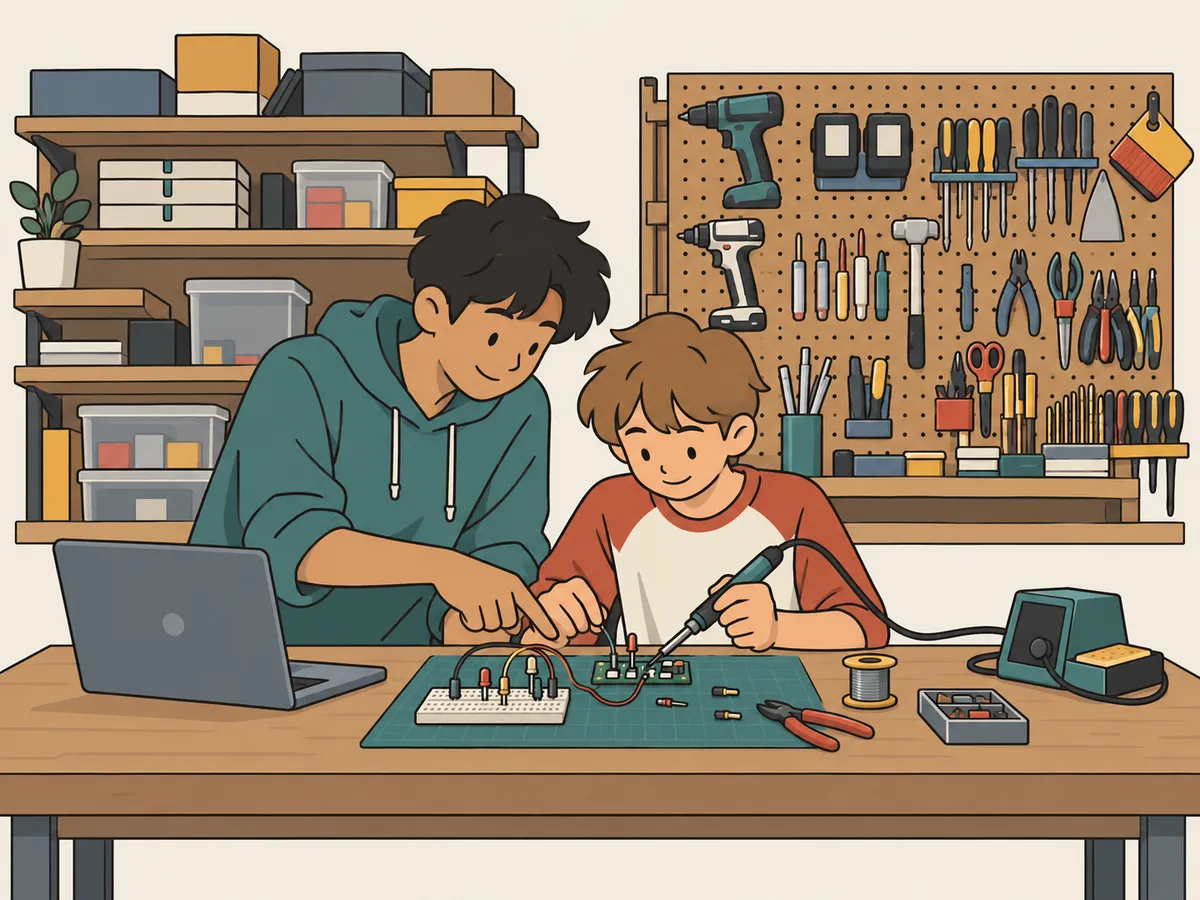
Tinker X Scholars
If cost is what's stopping a student who already builds things, we offer heavily subsidised membership. Send us a portfolio at hello@tinkercademy.com (effort counts more than polish). In return, scholars help newer members or find another way to use their skills for the community.