



Course Overview
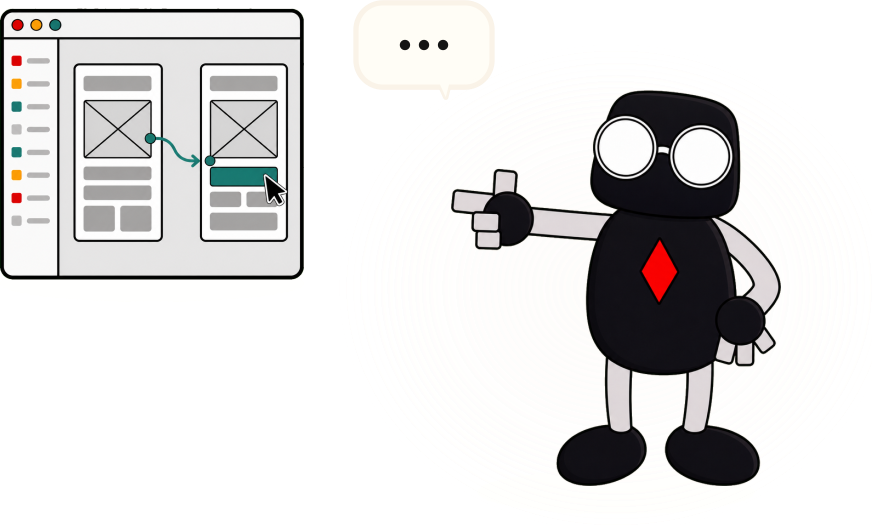
UI/UX design and Figma prototyping for primary, secondary, and junior college students. Students begin with user needs, personas, user flows, and wireframes, then design app screens, apply visual-system principles, and build clickable prototypes tested with real users.
These are the same research, design, and prototyping practices used by product teams in industry, and the skills involved — understanding users, organising ideas, communicating visually, and improving work through feedback — carry into computing, design, and project work at every level. No design or coding experience is needed.
The course is offered at two levels, listed separately on the IMDA LEARN Roadmaps application. Projects scale with level: older students take on more complex briefs, with greater emphasis on clarity and user fit:
Primary 4–6: an introduction to design thinking through FigJam and Figma — students turn a school, home, or community problem into a persona, screen flow, and clickable prototype.
Secondary 1–5, JC 1–2: industry-grade UI/UX plus a guided introduction to AI-enabled prototyping with Figma Make — students practise a prompt-and-evaluate cycle, comparing AI-generated outputs against their own intentions rather than accepting them wholesale.
Lesson Outcomes
Frame digital product challenges around users, personas, needs, and constraints.
Create user journeys, low-fidelity wireframes, and screen flows before visual design.
Use FigJam to organise ideas and Figma to design structured app screens and reusable interface patterns.
Apply visual-system principles including colour, typography, alignment, spacing, components, and interface states.
Build and test clickable Figma prototypes with real users, and present design decisions to an audience.
At sec/JC level: evaluate AI-generated design outputs critically using a guided prompt-and-evaluate cycle.
Details
Project
Each student creates and presents a clickable app prototype for a real user need — a portfolio piece for school showcases and competitions.
Requirements
Computer: A laptop, desktop, Chromebook, or school PLD running Windows 8.1+, macOS 11+, or a recent ChromeOS or Linux — 64-bit, with WebGL enabled and a stable internet connection. 8 GB RAM recommended. iPads are not suitable for screen design.
Software: Figma Design and FigJam on the free Figma Education plan, in Chrome, Edge, Firefox, or Safari. Nothing to install; our trainer sets up student accounts with the school in the first lesson. Figma Make is used in one guided lesson at sec/JC level, with access provided by Tinkertanker at no extra cost. School IT should allow access to figma.com. The primary-level course uses no AI tools.
Hardware: None required.