Goal
Build an Ang Bao collector that keeps count of the number of Ang Baos you have!
The LED strip should light up when an Ang Bao is deposited and show a tally of the number of Ang Baos.
Play “Gong Xi Gong Xi” when an Ang Bao is deposited.

Build an Ang Bao collector that keeps count of the number of Ang Baos you have!
The LED strip should light up when an Ang Bao is deposited and show a tally of the number of Ang Baos.
Play “Gong Xi Gong Xi” when an Ang Bao is deposited.
1 x Micro:bit
4 x Neopixel LED Strip
1 x HC-SR04 Ultrasonic Sensor
1 x Battery Holder
Lots of Red Paper
1 x Penknife
1 x Buzzer
1 x Shoe box
2 x AAA Batteries
Lots of double sided tape
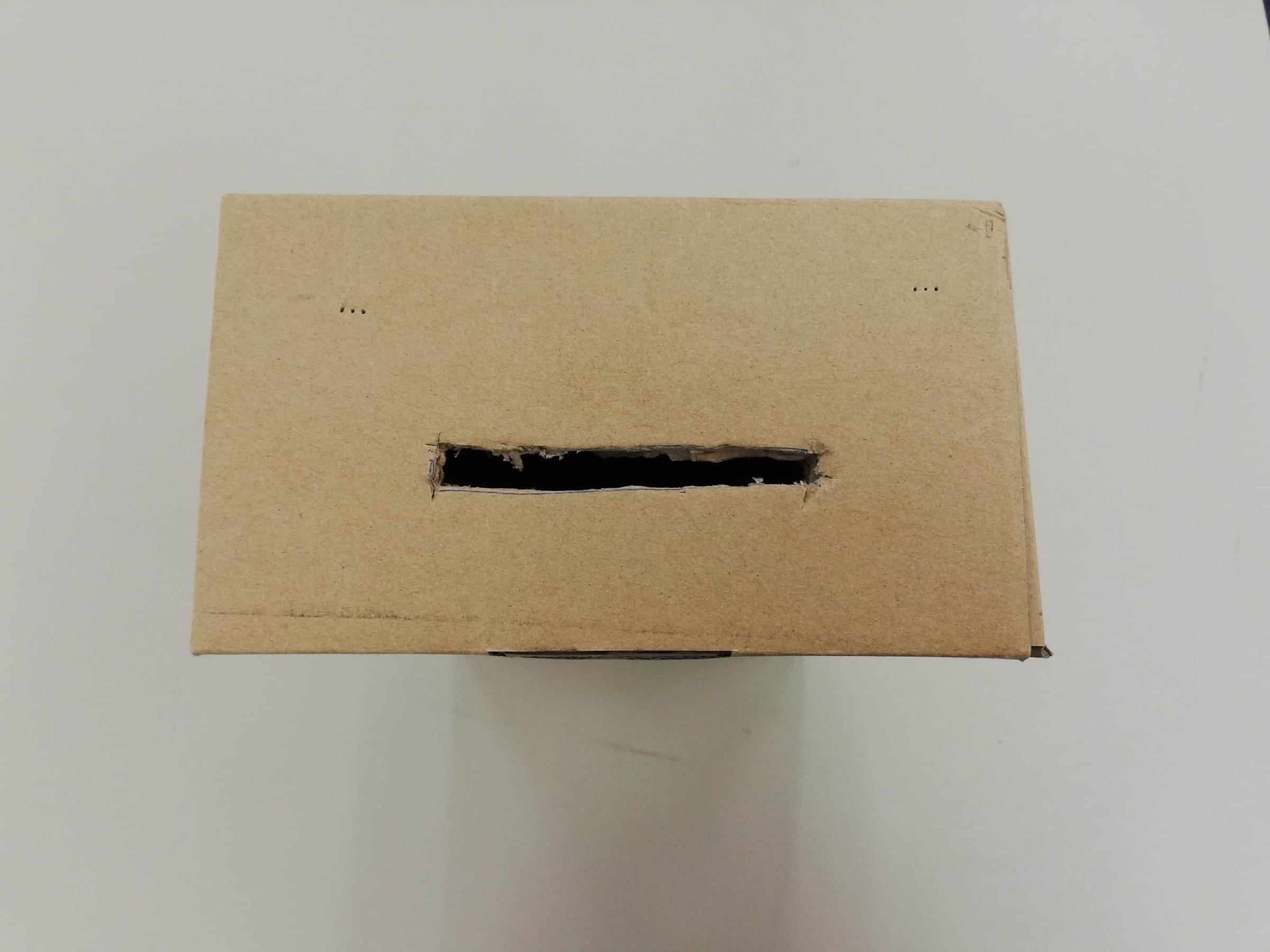
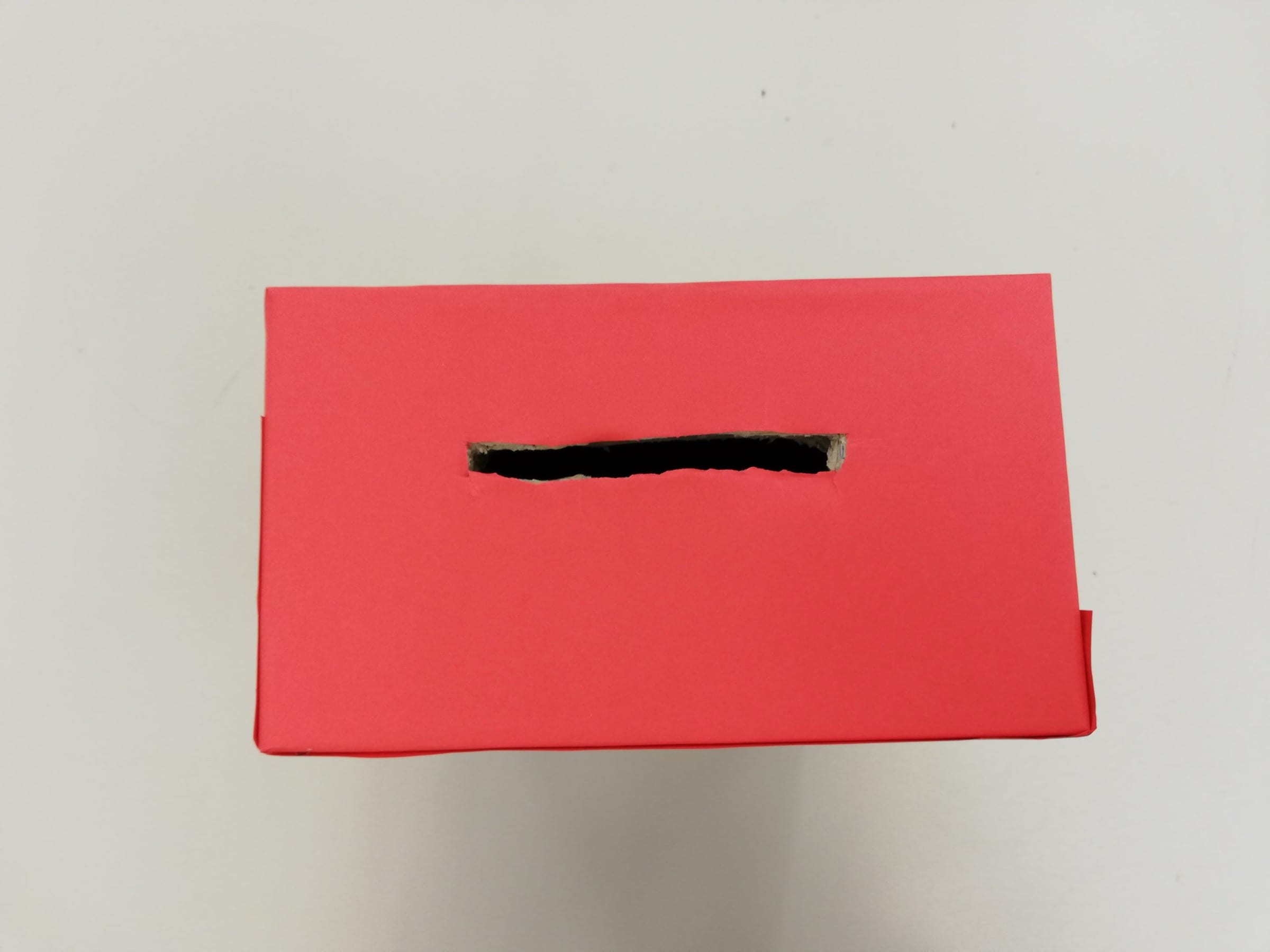
Cut out a rectangular shaped hole at the top of the box for the insertion of Ang Baos.
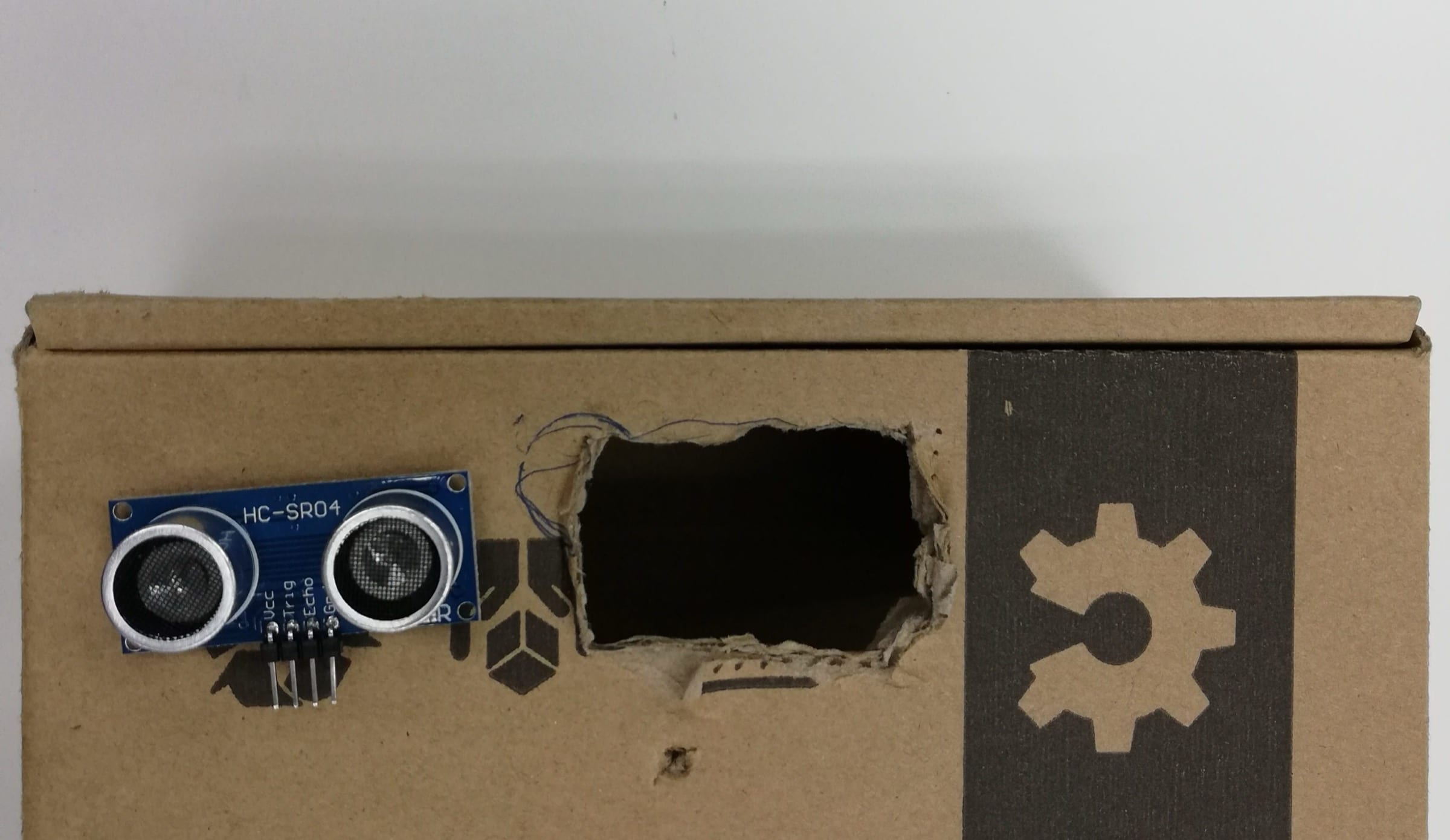
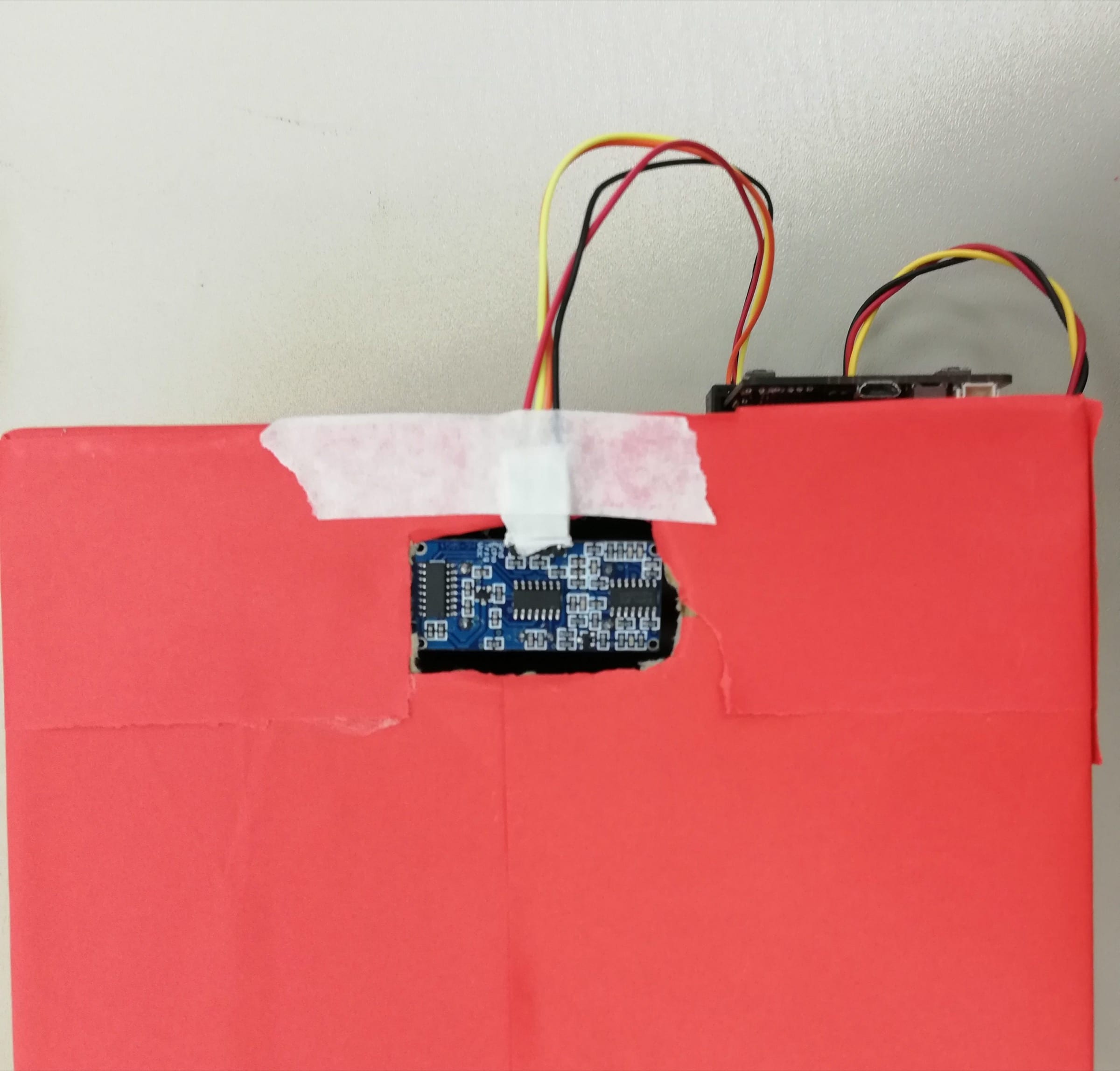
Cut another hole at the back of the box to allow the placement of the HC-SR04 Ultrasonic Sensor
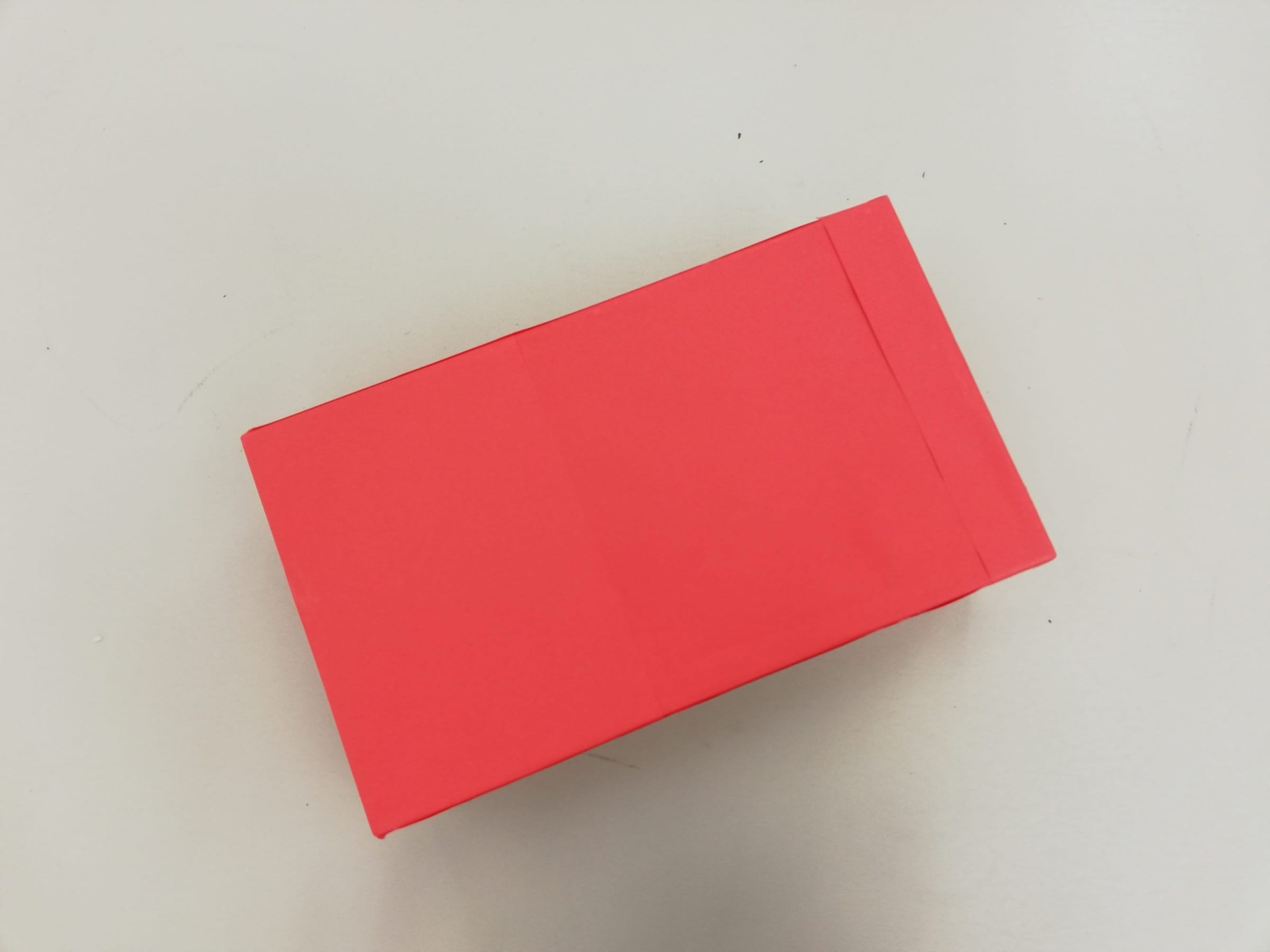
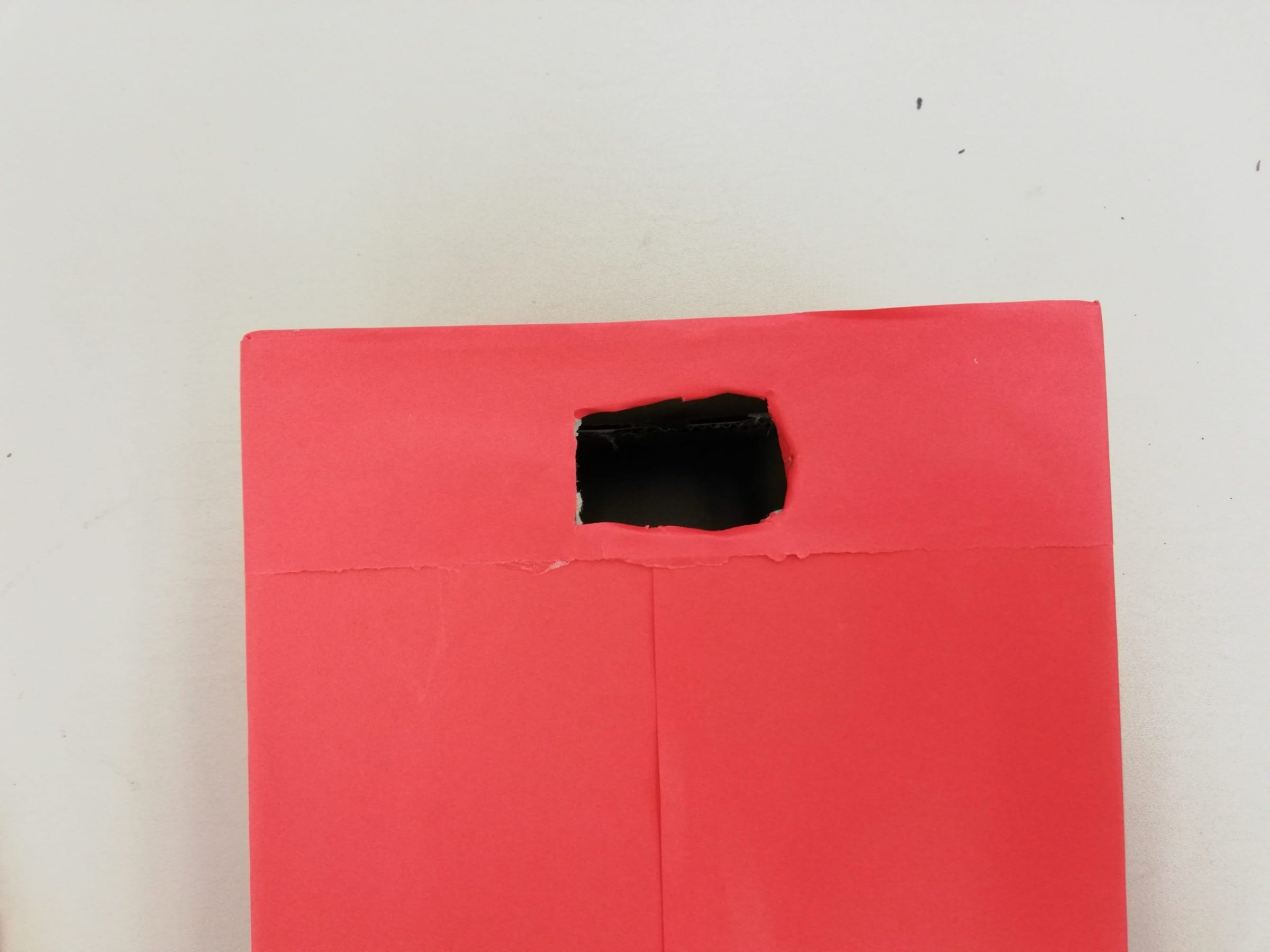
Wrap the box with red paper.
Re-cut the holes if they were covered by the paper.
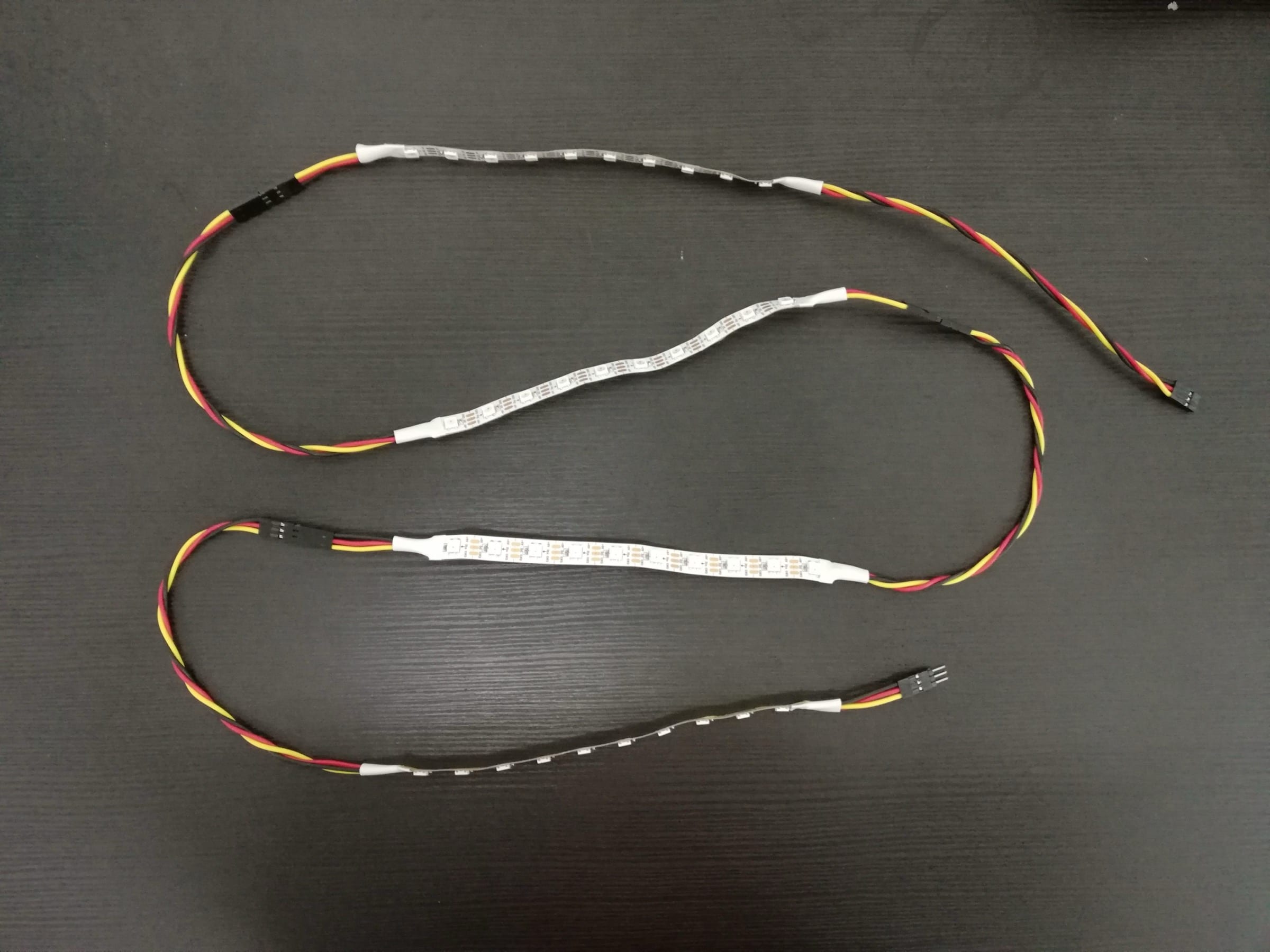
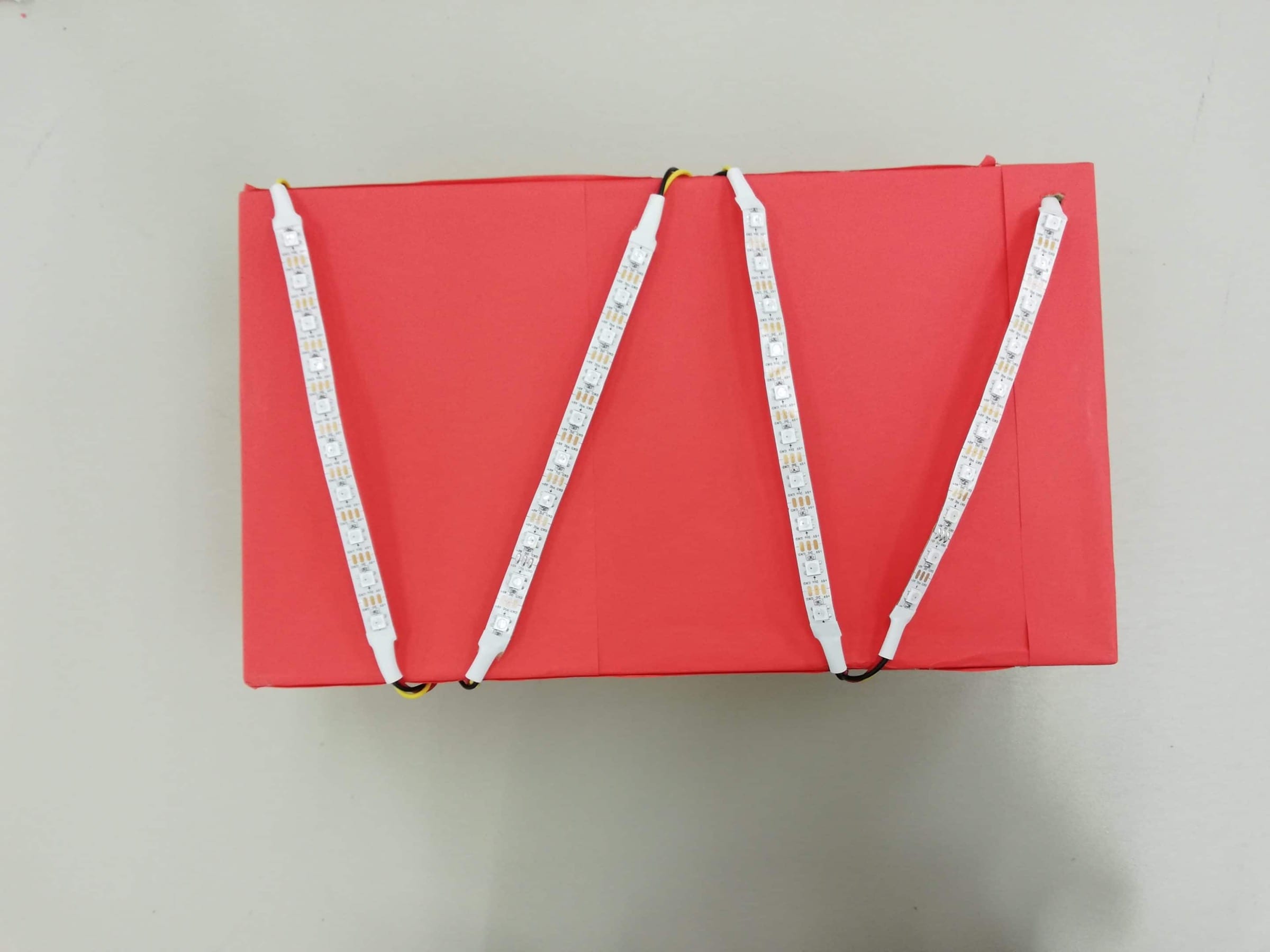
Connect the 4 LED strips together (make sure the Din matches to the Dout when you connect the wires)
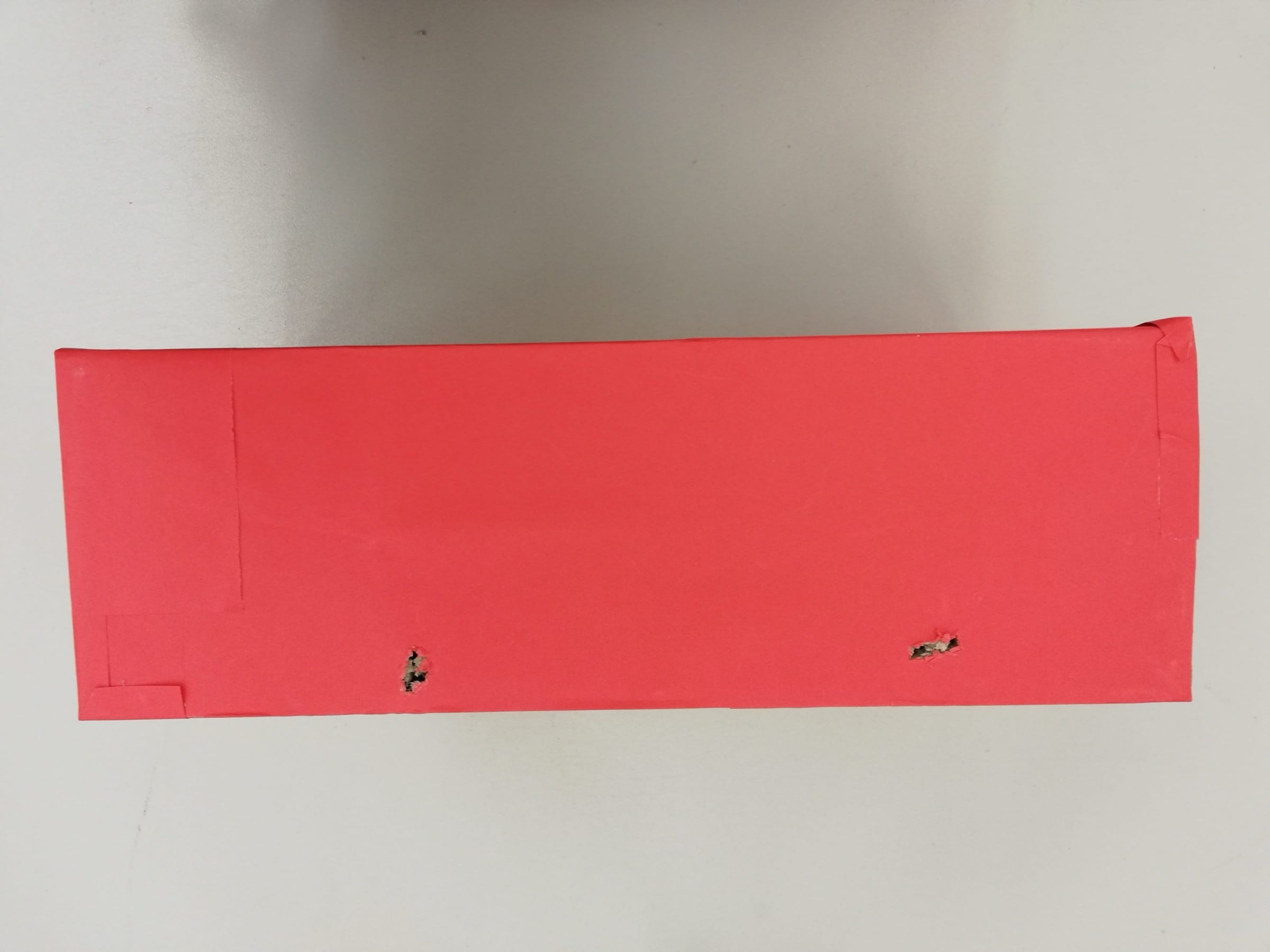
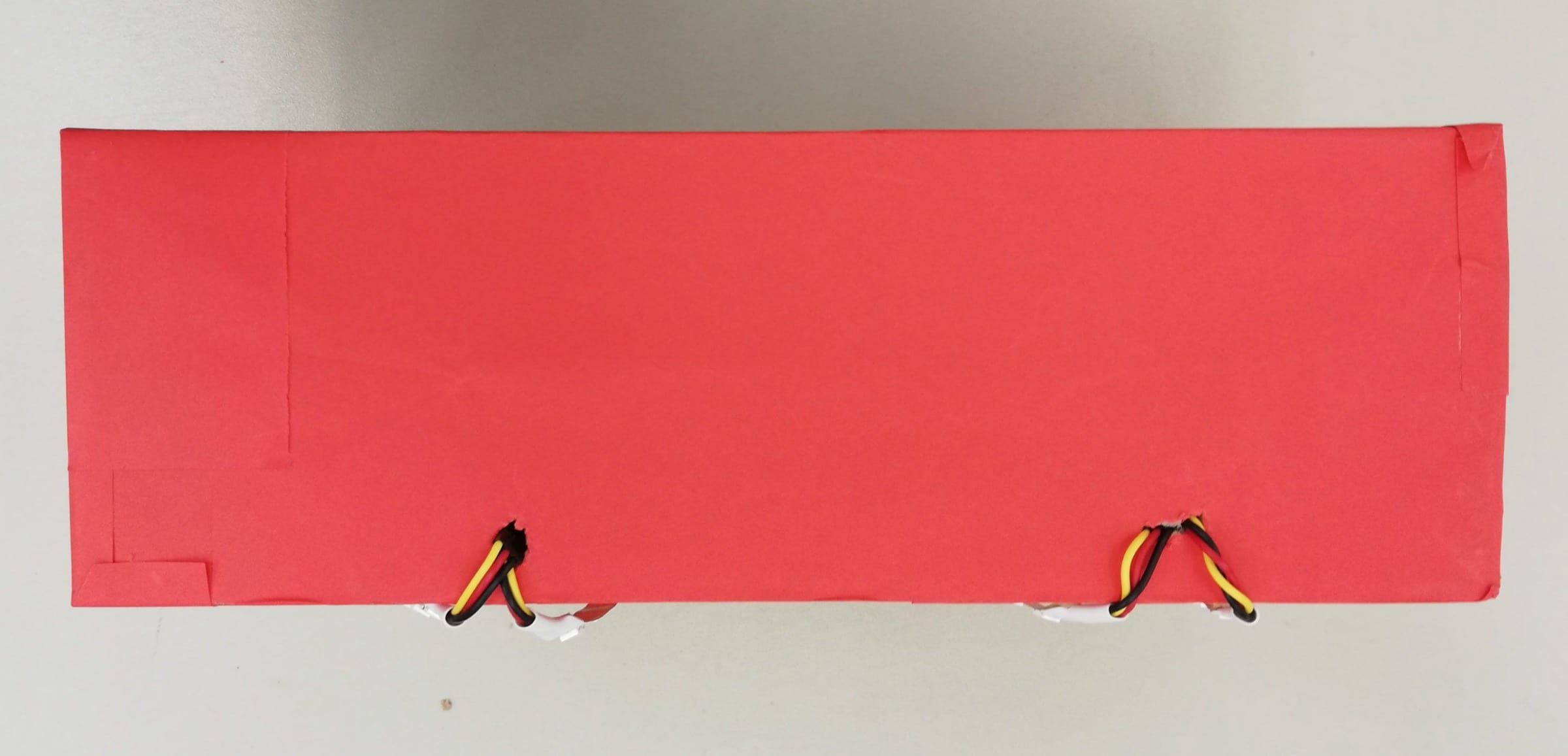
Poke holes at the side to hide the lengthy wires, by tucking them into the holes.
Connect the LED Strip to P4
Tape the HC-SR04 to the back of the box
Connect the Trigger Pin to P15 and the Echo Pin to P16.
And connect the buzzer to P0
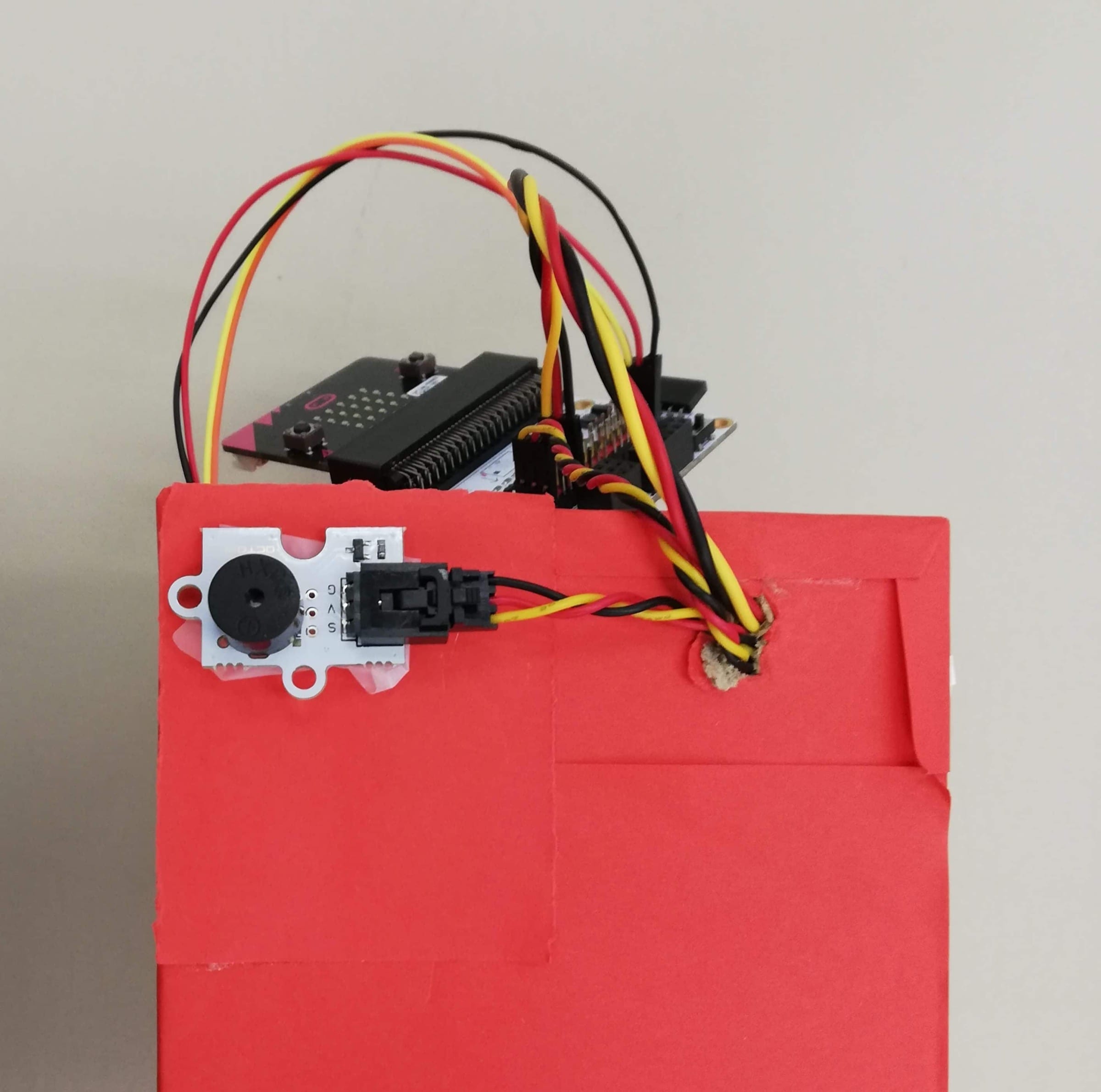
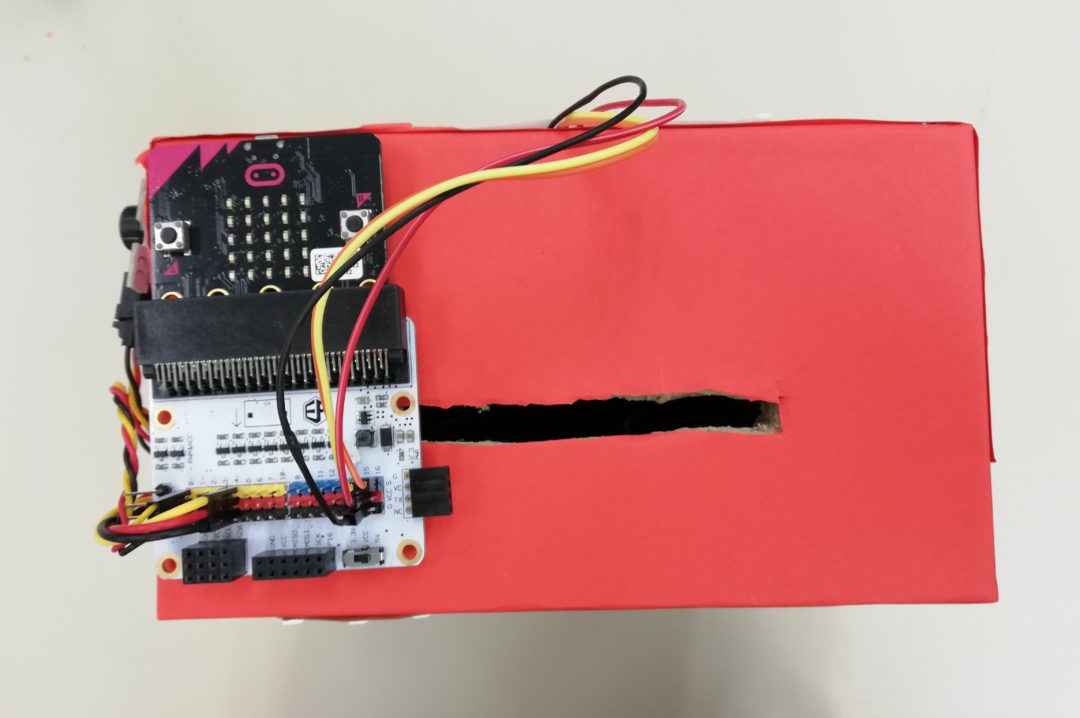
Tape the Micro:bit at the top.
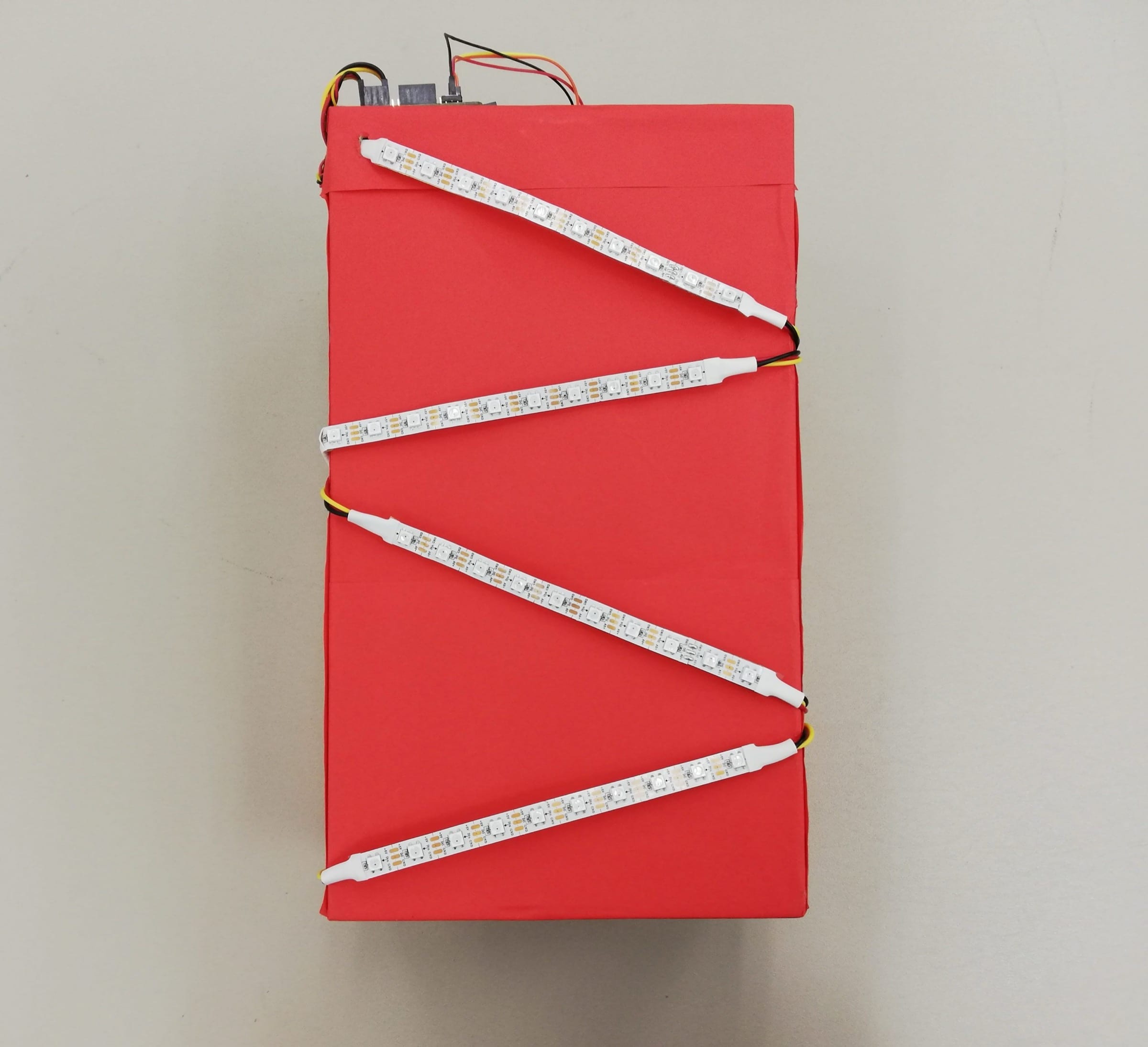
Picture shows how the Micro:bit should look after all the connections.
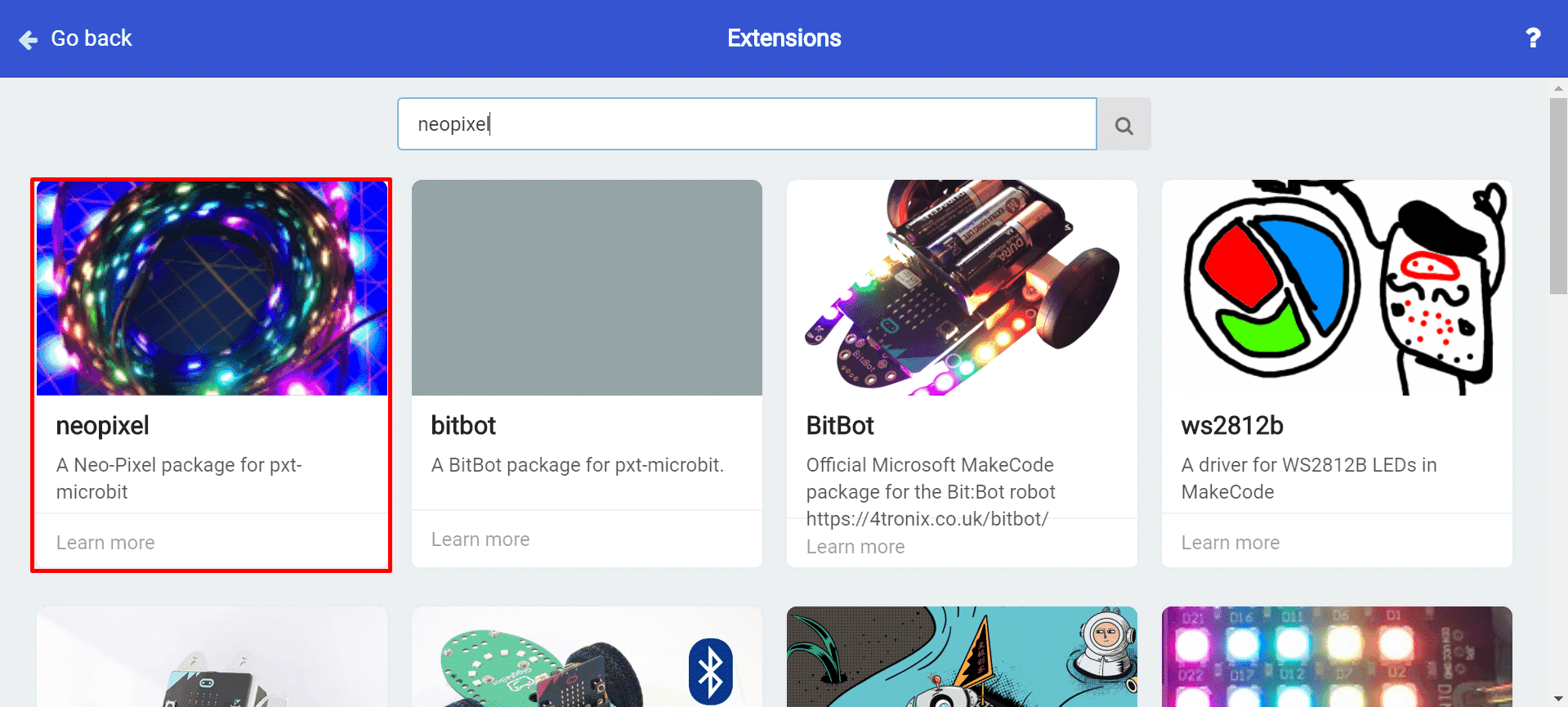
To add the Neopixel extension: Click on the Advanced Tab>Extension and search for “Neopixel”
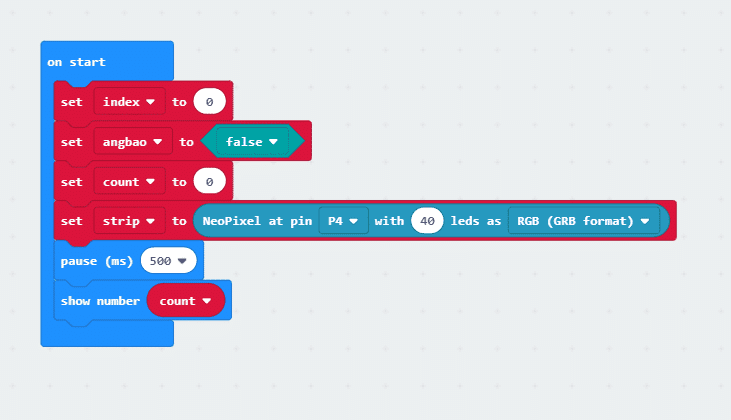
At the start we initialize the variables we willl be using as well as the Neopixel LED strip.
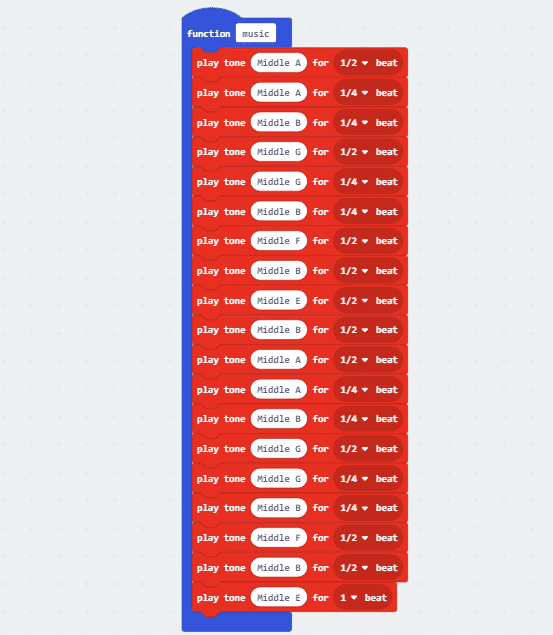
Create a “Music” function to play “Gong Xi Gong Xi”
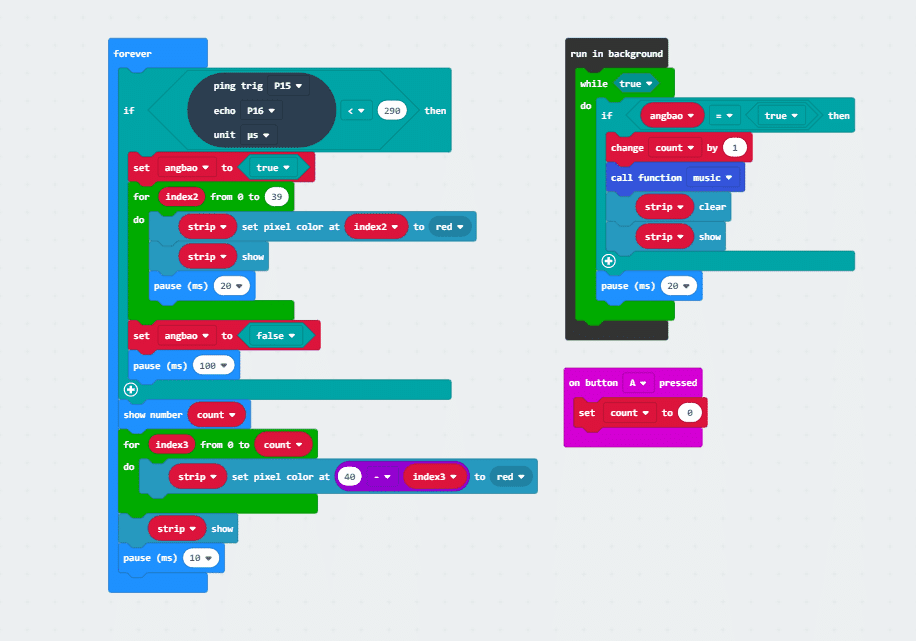
If the HC-SR04 sensor detects an object, it will turn on the lights and simultaneously play “Gong Xi Gong Xi” in the background
The programme also keep a count of the number of Ang Baos received and show the tally on both the Micro:bit LED and the Neopixel LED Strip.