


Apple App Development — Track B: Swift App Development

26 hours

Duration:
26 hours
Type:
Mobile App Development
Published:
Updated:

Should our school choose Track A or Track B?

Choose Track B if you want students to build and present a working Swift app. Primary students work through guided mini-projects with layouts, buttons, state, navigation, and lists; secondary and JC students add data modelling and a capstone app. Choose Track A if you'd rather they start with app design and prototyping in Keynote. Track B builds naturally on Track A, but no coding experience is needed to start. Both run for 26 hours on iPads with iPadOS 17 or later.

Course Overview

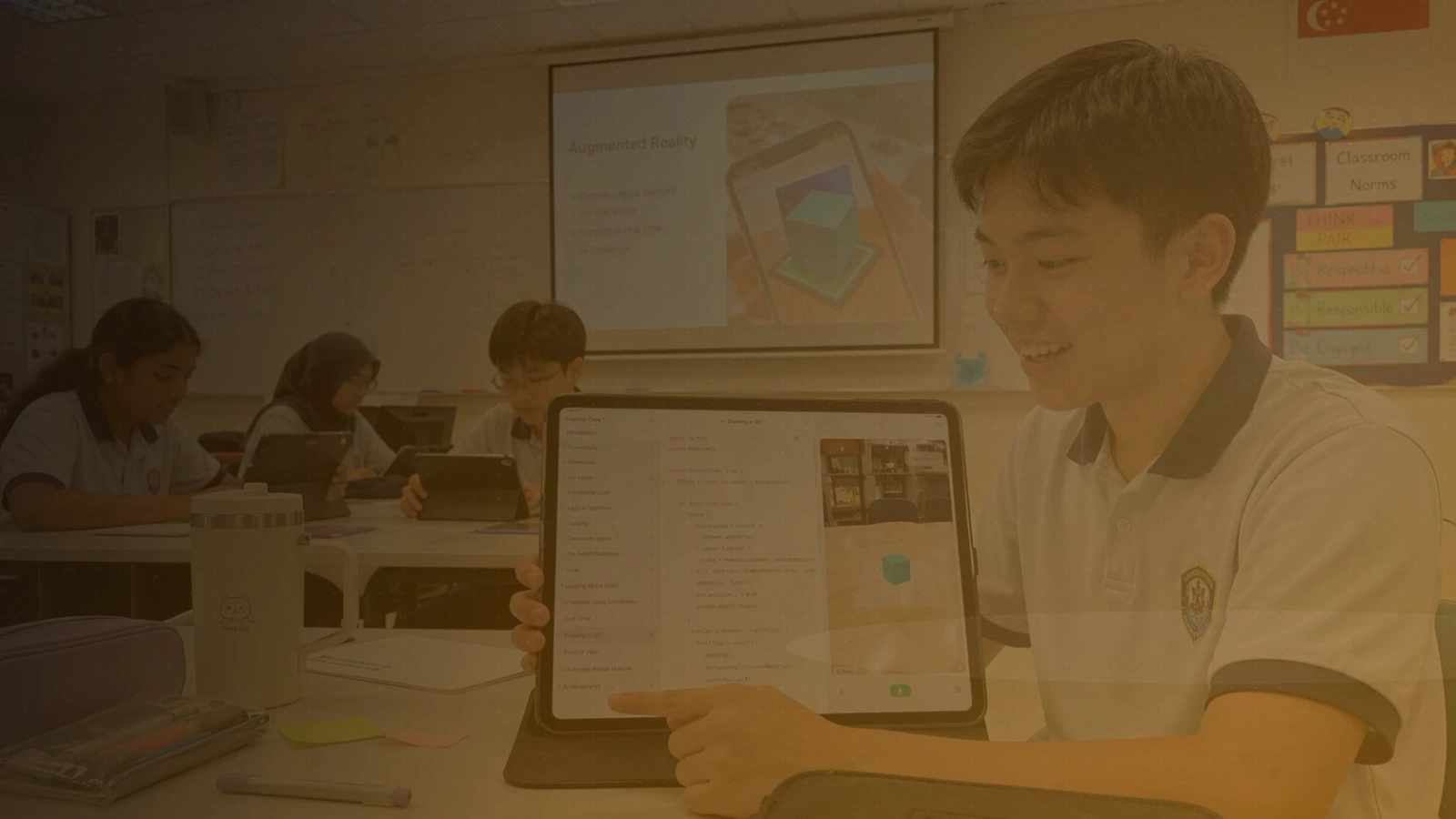
Authentic app development in a manageable classroom format. Using Swift Playgrounds on iPad, primary, secondary, and junior college students build functional apps with a clear user purpose. It builds naturally on Track A, but no prior coding experience is needed.

Students learn SwiftUI fundamentals — views, layout, state, navigation, data modelling, lists, interactivity, feedback, and debugging — through guided mini-projects, then develop a capstone app while strengthening computational thinking, problem decomposition, and presentation skills.

By the end of the course, students will have created and presented a working Swift app that demonstrates interface design, interaction, navigation, and simple data handling — ready for a school showcase.

The course is offered at two levels, listed separately on the IMDA LEARN Roadmaps application. The format stays the same while project complexity and independence scale with the students:

  • Primary 4–6: guided mini-projects covering layouts, buttons, state, navigation, and lists — an accessible first taste of real app development.

  • Secondary 1–5, JC 1–2: SwiftUI views, state, navigation, and data modelling, ending in a capstone app presented to the class.

Lesson Outcomes

  • Build SwiftUI interfaces using views, stacks, modifiers, images, and shapes.

  • Use state and events to make an app respond to user input.

  • Create multi-screen app experiences with navigation patterns.

  • Model and display data using arrays, structs, and lists.

  • Add interactivity, feedback, alerts, and animations.

  • Test, debug, and iterate on a working Swift app, then present it to an audience.

Details

Project

Each student creates and presents a working Swift app demonstrating interaction, design, and simple data handling — a portfolio piece for school showcases, CCA records, and competitions.

Requirements

  • Computer: An iPad running iPadOS 17 or later — iPad (6th gen or newer), iPad mini (5th gen or newer), iPad Air (3rd gen or newer), iPad Pro 10.5-inch or 11-inch, or iPad Pro 12.9-inch (2nd gen or newer).

  • Software: Swift Playgrounds, free from the App Store. Please install and update it before the first lesson. No AI tools are used.

  • Hardware: None required.

What people say about our courses

The programme taught me that anything is possible. To be able to learn, from scratch, how to code an entire app and publish it on the App Store ― it's an experience that I'd recommend to anyone who's interested in coding! The community also kept me coming back long after I graduated. Truly a great programme.

Tinkercademy is a flexible, responsive and innovative partner, ready to always collaborate to develop cutting-edge coding programmes together with the school. They have depth of expertise, in both technology skills and pedagogy, to understand the needs of our students and engage them holistically.

My past year with the programme has been an incredible journey that I will cherish forever. I've always dreamt of sharing my work with the world, and thanks to the programme's supportive mentors, I turned that dream into reality by publishing my app on the App Store for everyone to use. Along the way, I made unforgettable memories and gained hands-on experience in app development.

Very useful workshop. Guidance and examples were very beginner friendly and easy for participants to follow and try during the workshop. Good to build confidence especially for absolute beginners.

Having the experience as ex-school teachers, Tinkercademy is able to utilise sound educational pedagogy… We continually receive good feedback from students… An Arduino teachers' workshop with Tinkercademy even inspired a couple of our Science teachers to design a term-long performance task.

Most of the time i didn't feel lost, it was thoroughly well explained. I also like the Kahoot quizzes at the end of each session.

Join us for the best coding and digital making experiences for students, teachers, and professionals in Singapore and beyond.