


Course Overview
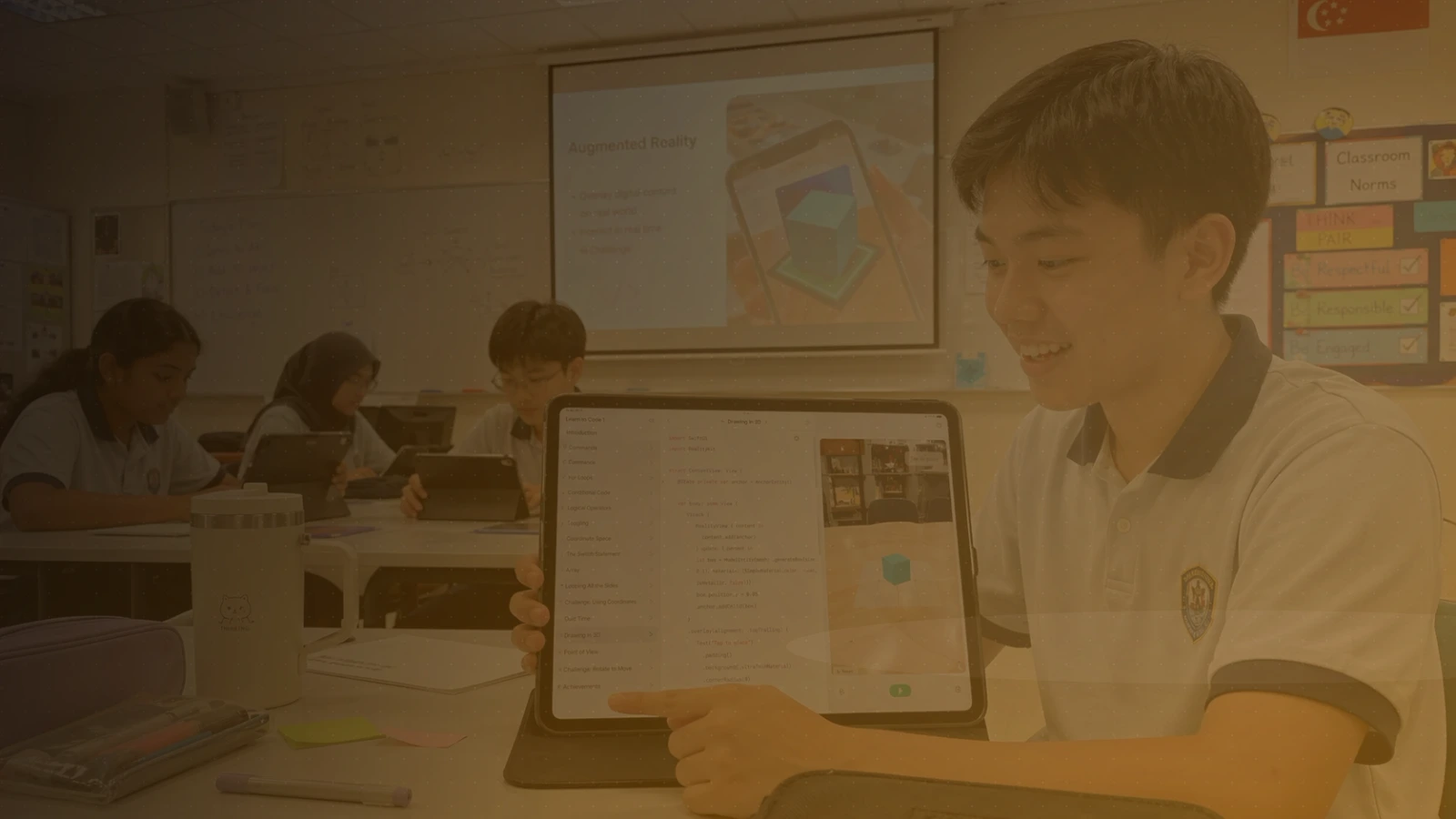
From prototype thinking into functional Swift app development. Using Swift Playgrounds on iPad, primary school students learn how code creates real interaction, navigation, and feedback. It builds naturally on Track A, but no prior coding experience is needed.
Students learn SwiftUI through guided mini-projects covering layouts, buttons, state, navigation, lists, and simple interaction — accessible for young learners while still giving them a genuine taste of app development.
By the end of the course, students will have created and presented a simple Swift app that demonstrates user interaction, visual design, and basic data handling, ready for a school showcase.
Lesson Outcomes
Build simple SwiftUI views using text, images, shapes, stacks, and modifiers.
Use state to make an app respond to user input.
Create multi-screen app experiences with navigation.
Represent simple data using arrays and structures.
Add interactivity, feedback, and basic animations.
Test, debug, and improve a student-created app.
Details
Project
Each student creates and presents a working Swift app demonstrating interaction, design, and simple data handling — ready for a school showcase.
Requirements
Computer: An iPad running iPadOS 17 or later — iPad (6th gen or newer), iPad mini (5th gen or newer), iPad Air (3rd gen or newer), iPad Pro 10.5-inch or 11-inch, or iPad Pro 12.9-inch (2nd gen or newer).
Software: Swift Playgrounds, free from the App Store. Please install and update it before the first lesson. No AI tools are used.
Hardware: None required.