

Course Overview
App development approached from a product and user-experience perspective. Track A suits schools that want students to strengthen design thinking, communication, and computational thinking before deeper coding begins.
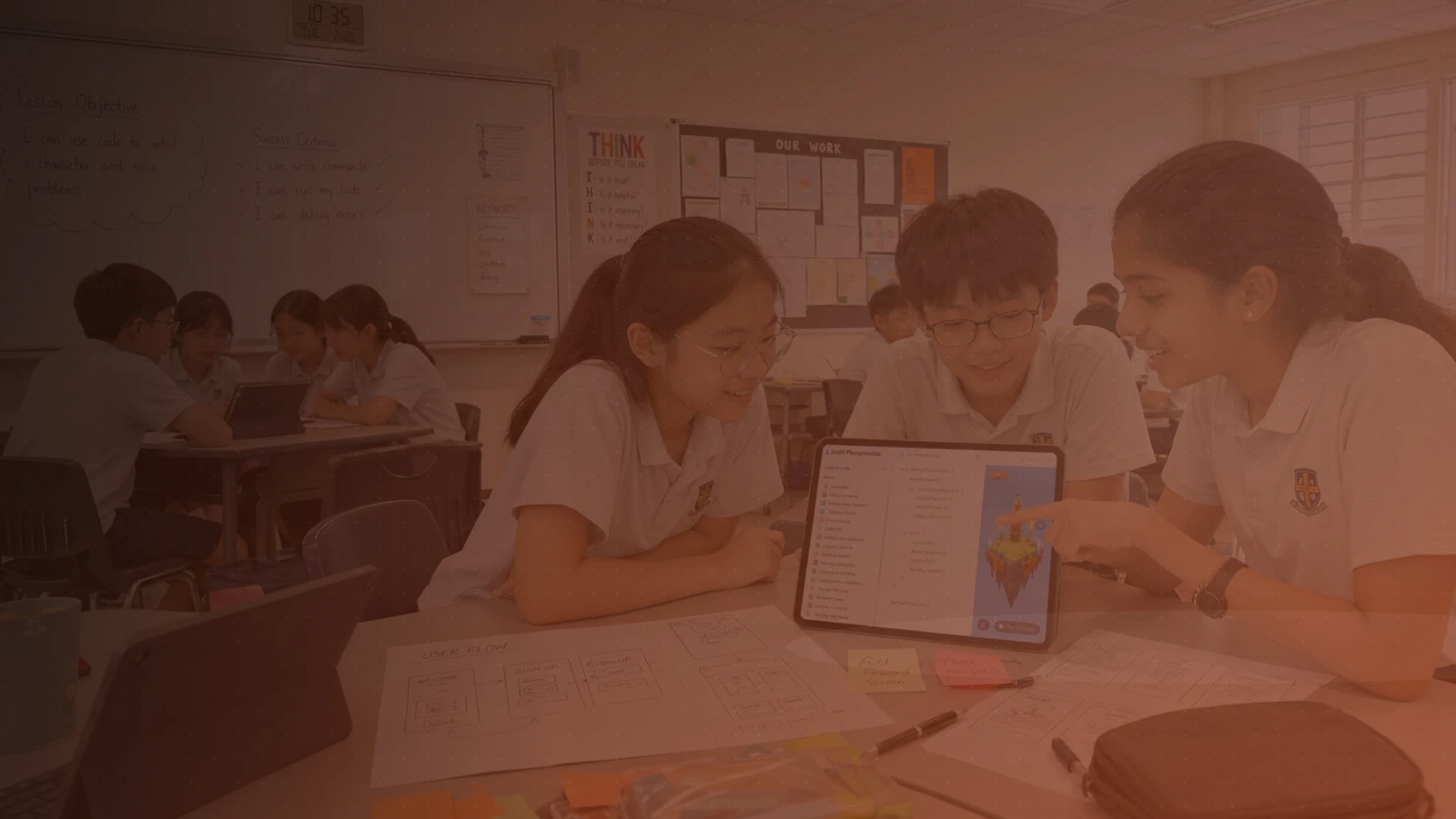
Students learn to frame problems, define target users, design user flows, apply accessibility principles, and build high-fidelity interactive prototypes. They test ideas with peers, justify design decisions, and connect app behaviours to programming concepts such as sequence, events, variables, and logic.
By the end of the course, students will have created an interactive app prototype for a real-world problem or user need, supported by user-flow planning, peer feedback, and a short project presentation. No prior coding experience is needed.
Lesson Outcomes
Use design thinking to frame meaningful app opportunities.
Develop user flows, wireframes, and screen layouts.
Apply accessibility and inclusive-design principles.
Build and test high-fidelity interactive prototypes.
Relate app behaviours to sequence, selection, events, variables, and loops, and build a guided Swift mini-app.
Present design rationale and iteration decisions clearly.
Details
Project
Each student or team creates and presents an interactive app prototype for a real user need — a portfolio piece for school showcases and competitions.
Requirements
Computer: An iPad running iPadOS 17 or later — iPad (6th gen or newer), iPad mini (5th gen or newer), iPad Air (3rd gen or newer), iPad Pro 10.5-inch or 11-inch, or iPad Pro 12.9-inch (2nd gen or newer).
Software: Keynote, Swift Playgrounds, and Freeform, all free from the App Store. Please install and update them before the first lesson. No AI tools are used.
Hardware: None required.