


Course Overview
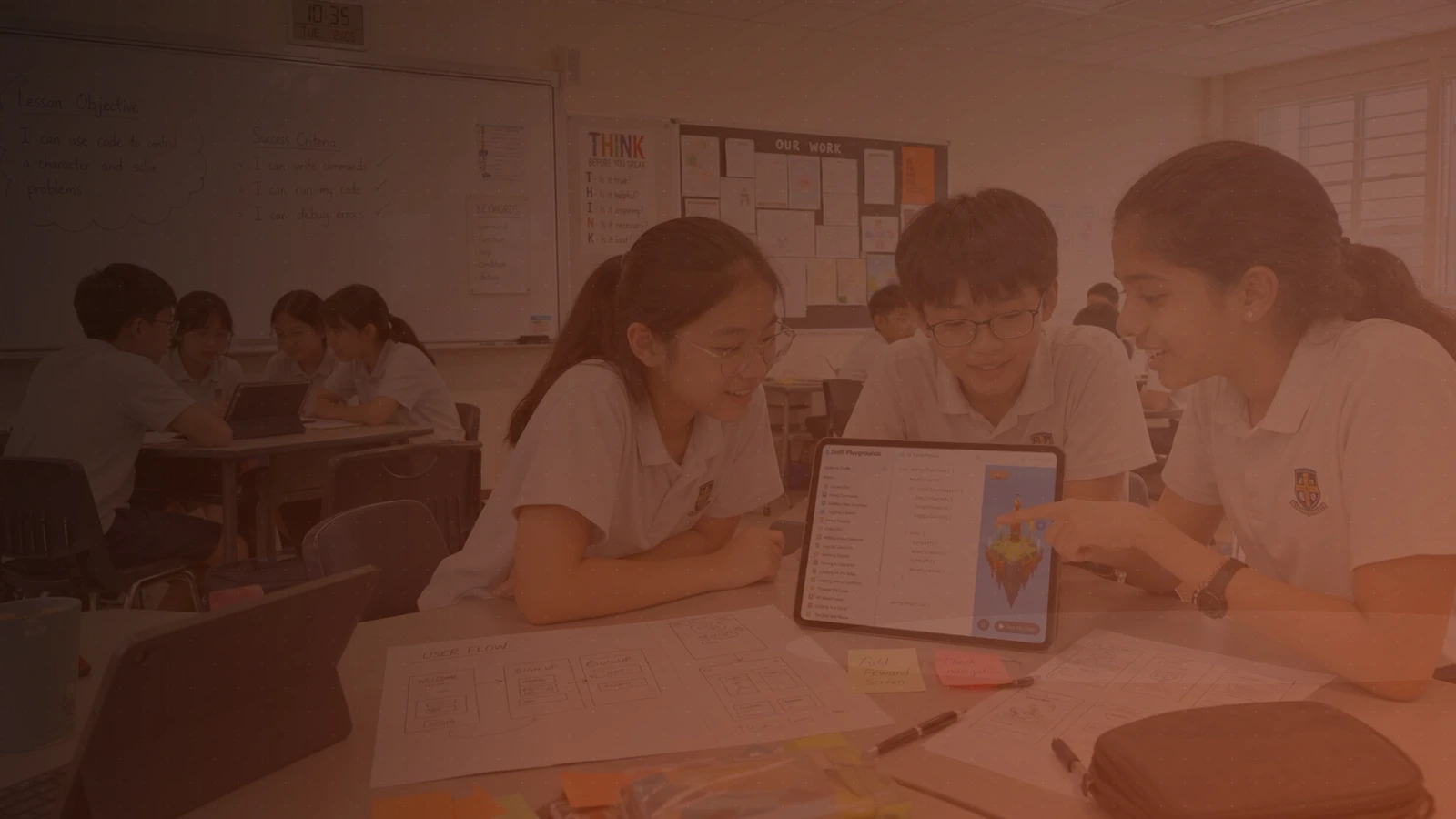
A friendly, structured introduction to app design for primary school students. Track A is ideal for schools that want students to build app-design confidence before coding: students learn to identify user needs, plan screens, test flows, and present a clickable prototype.
Students explore design thinking, user journeys, visual storytelling, accessibility, and interactive prototyping using Keynote on iPad. They learn to break down app ideas into screens, actions, and user flows, while building confidence in computational thinking.
By the end of the course, each student or team will have created an interactive app prototype that communicates a clear purpose, intended user, and user experience, and presented it to the class. No prior coding experience is needed.
Lesson Outcomes
Apply design thinking to identify user needs and app opportunities.
Create simple user flows and wireframes for an app idea.
Design accessible app screens with attention to layout, colour, text size, and touch targets.
Build an interactive prototype using Keynote.
Connect app design decisions to introductory Swift coding in Swift Playgrounds.
Present and explain a prototype to an audience.
Details
Project
Each student or team creates and presents an interactive app prototype — a portfolio piece for school showcases and competitions.
Requirements
Computer: An iPad running iPadOS 17 or later — iPad (6th gen or newer), iPad mini (5th gen or newer), iPad Air (3rd gen or newer), iPad Pro 10.5-inch or 11-inch, or iPad Pro 12.9-inch (2nd gen or newer).
Software: Keynote, Swift Playgrounds, and Freeform, all free from the App Store. Please install and update them before the first lesson. No AI tools are used.
Hardware: None required.