


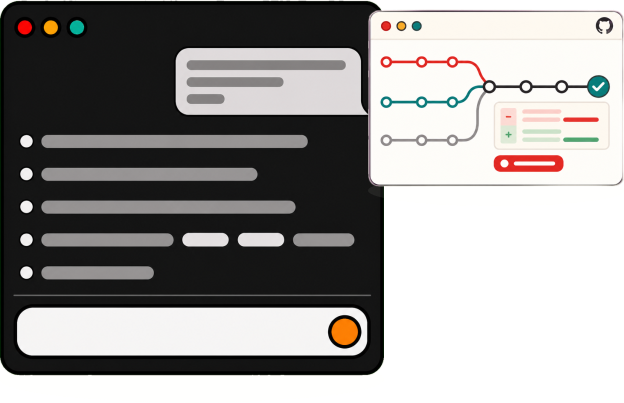


Course Overview
You might have heard of vibe coding, or you might have asked ChatGPT/Gemini/Lovable to build you a widget. Welcome to vibe coding! This is the next step. In this course, you'll learn enough to ship a full web app like a real engineer, to a GitHub repository and hosted on a live URL.
Lesson Outcomes
By the end, you can:
Use the terminal to navigate your filesystem, install and run command line apps, and manage your project
Understand Git terminology, and make use of Git and GitHub to host your code and run automations
Pair with Claude or Codex, and review what it writes before you keep it
Open a pull request, review a change, and merge it
Build a database-driven web app running on your laptop, then hosted at a live URL
Curriculum
Four sessions across two days.
Session 1: Foundations
Terminal, Git, and VS Code or Cursor
Write a small script with Claude or Codex, then commit it
Session 2: Build a small app
Plan the app, then build it with AI
Debug until it runs, and write a README
Session 3: Pull requests
Push to GitHub, open a PR, and review someone else's
Read the diff before you merge
Session 4: Ship it
Deploy the app to a live URL
Keep secrets out of the repo
Details
Dates and Times: 2 days. Write in to enquire.
Location: CT Hub 2, 114 Lavender Street.
Requirements: Bring your own laptop. Windows, Mac, or Linux. We use VS Code or Cursor with Claude or Codex.
Prerequisites: You've used ChatGPT, Gemini, Lovable, or any vibe coding tool. If you haven't, you'd want to take Vibe Coding for Digital Builders. If you're already familiar with terminal and GitHub, please try Agentic Engineering.
Fees: Write in to enquire.