

Before matriculating into NUS as a computer engineering freshman, I took on a three-month internship with Tinkertanker (together with my friend Brandon) to learn more about electronics and programming in real-world applications. Another reason I undertook this internship was because I wanted to get a glimpse of what a career in my field could possibly look like when I graduate. As this was my first internship, I didn’t know what to expect initially. However, the warm and caring people at Tinkertanker made this journey a very enjoyable and educational one for me, allowing me to fully utilise the internship opportunity to explore various aspects of software development, while also improving my social skills along the way.
Unity for Game Dev with C#
My journey started with curriculum updates for game development in Unity, including updating images in teaching slides to display the new Unity 6 interface up from the outdated Unity 2022 series, and also to capitalise on the AI bubble by educating students on using GitHub copilot in assisting in the process of game development.
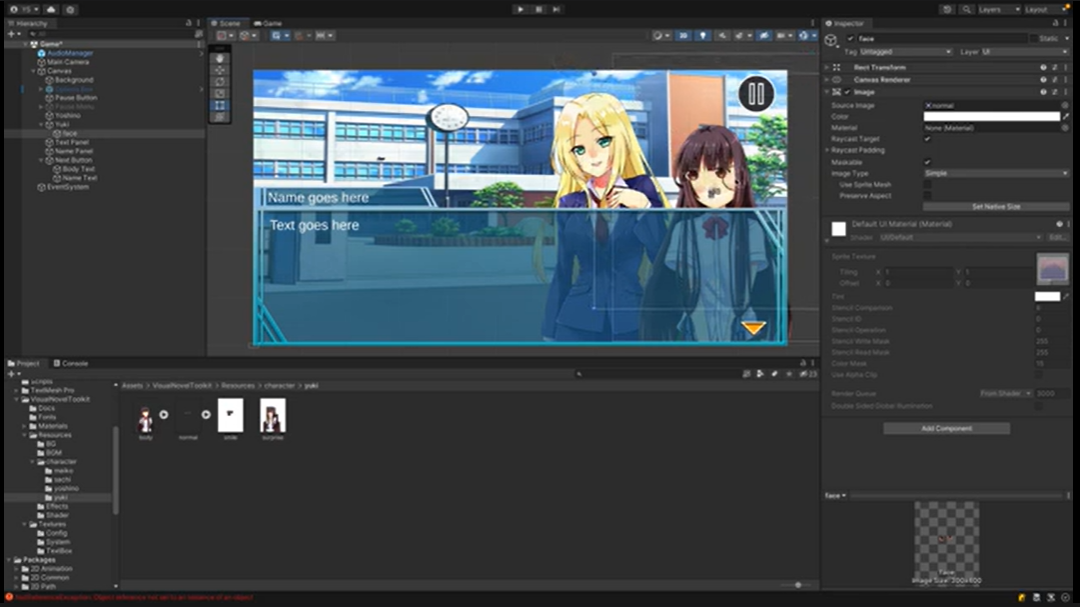
Developing a Visual Novel in Unity with C#.
I thoroughly enjoyed following the old tutorials to create all the different games in Unity using C# — be it the platformers, the visual novels, even the first person shooters — which I could then play myself and thereafter upload the new footage to the slides, allowing me to have fun while doing work! Brandon and I even had the honour of assisting in the four-day Copilot AI Bootcamp with Unity at St Patrick’s School, wherein students learnt to develop games (using the slides that we helped develop!) and even present their very own made from scratch by themselves. Assisting in such a way makes me feel more involved as I can physically see that the work we put into redesigning the slides or even making new slides is really put to use in educating the students, and we can also easily identify areas for improvement when designing slides for the next round of usage.
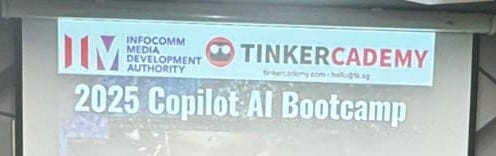
We had the opportunity to assist in Copilot AI Bootcamp 2025 at St Patrick’s School.
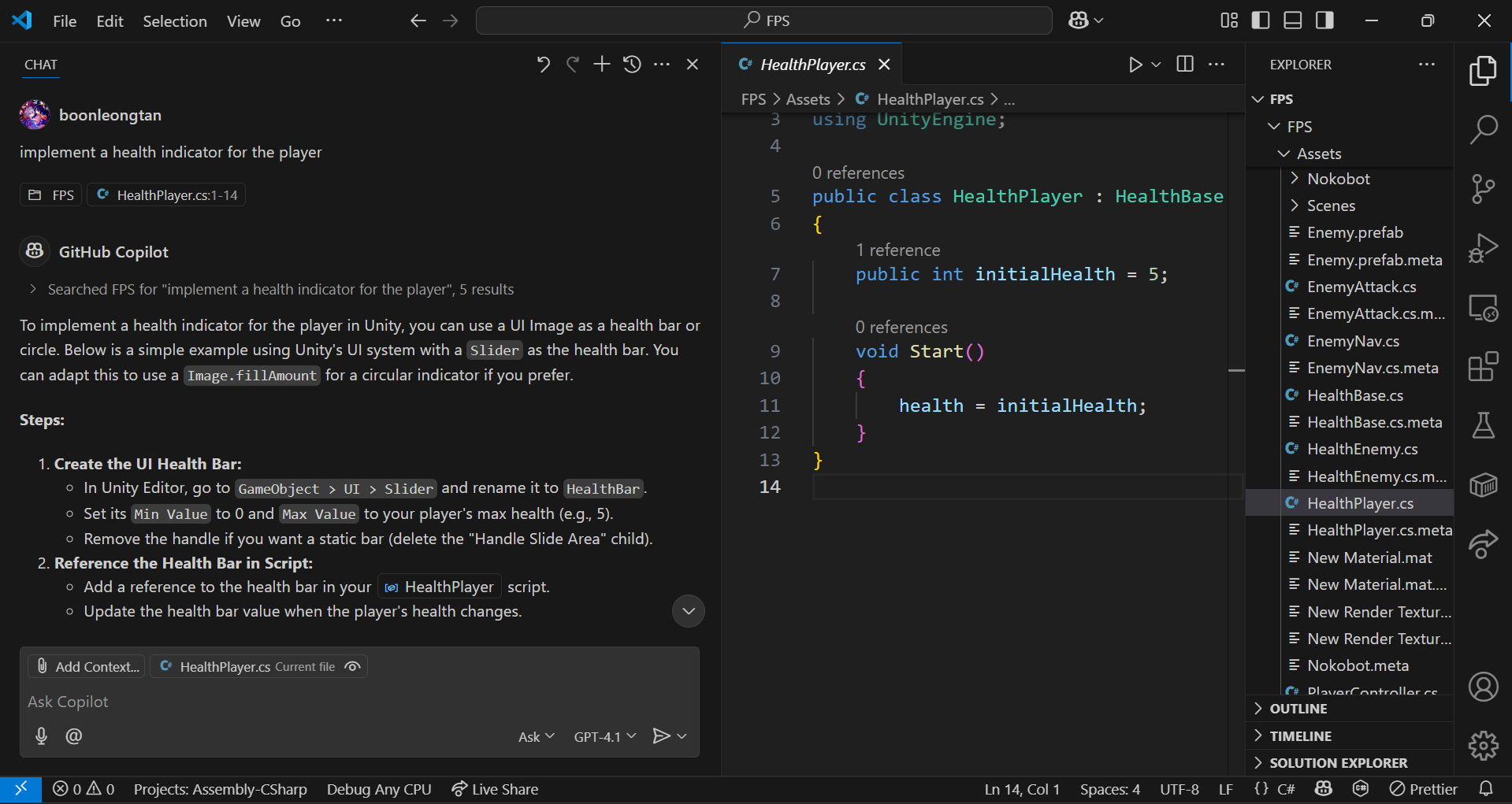
We demonstrated the use of Copilot AI in developing games during the bootcamp.
Teacher Management System UI/UX Redesign
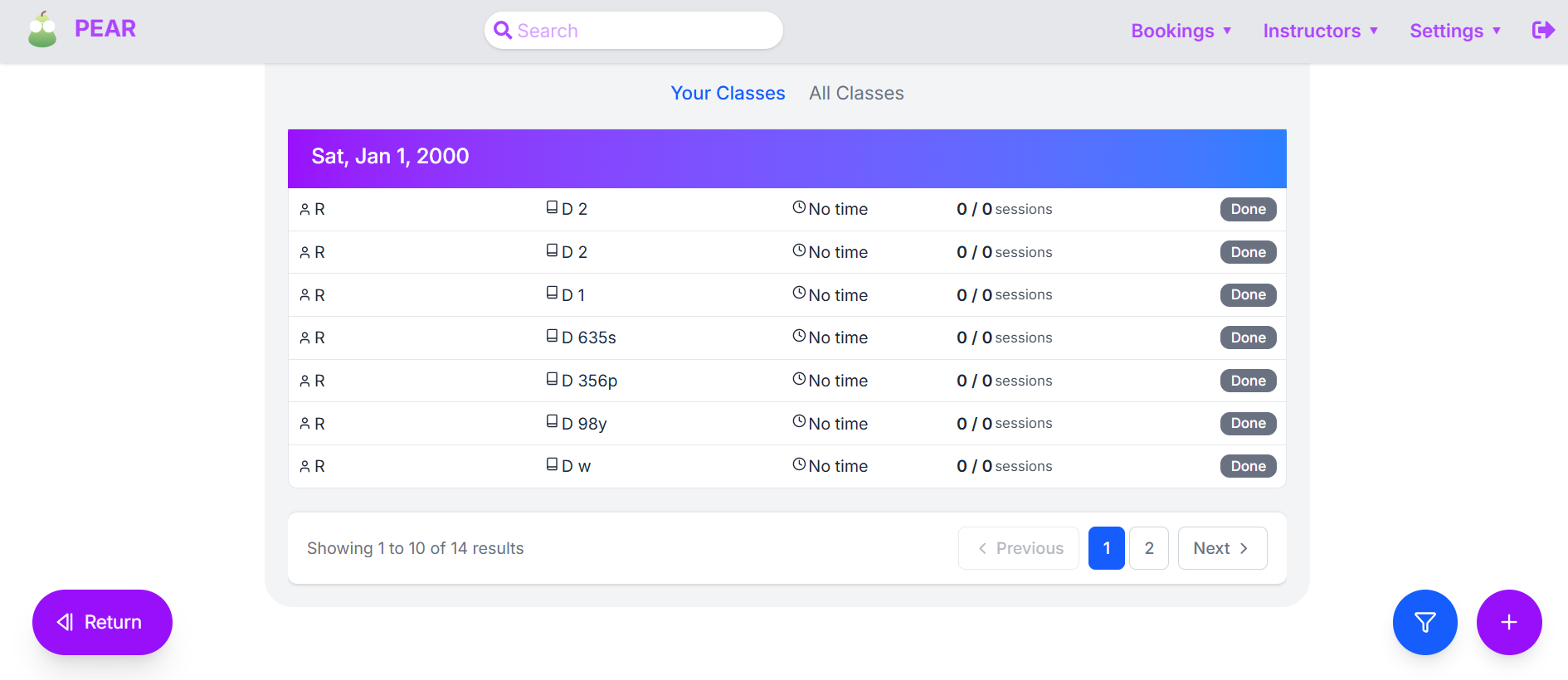
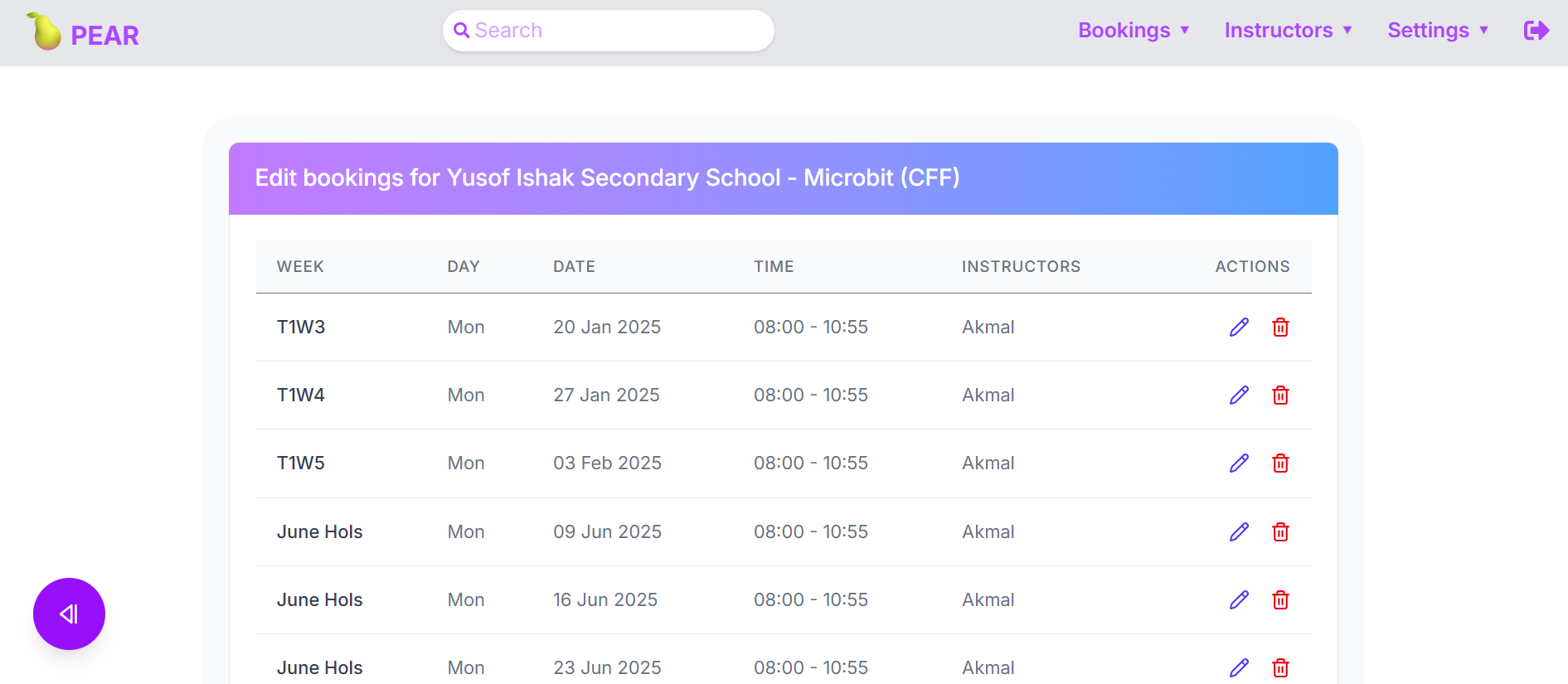
Brandon and I were then tasked with our main project — redesigning the entire frontend of the Teacher Management System that Tinkertanker uses — in other words, a massive overhaul! The task seemed absolutely daunting and near impossible at first, as we barely had any real-world frontend experience prior. Thankfully, all-time professional WebApp expert Xe (also an intern working on the backend of the same project) came to the rescue. With the help of Claude, the agentic coding AI, the three of us spent countless headache-filled days working on the project. We started by gathering feedback on how to improve the old system, then coming up with different designs to solve each issue one at a time, before coming to an agreement on the final designs.
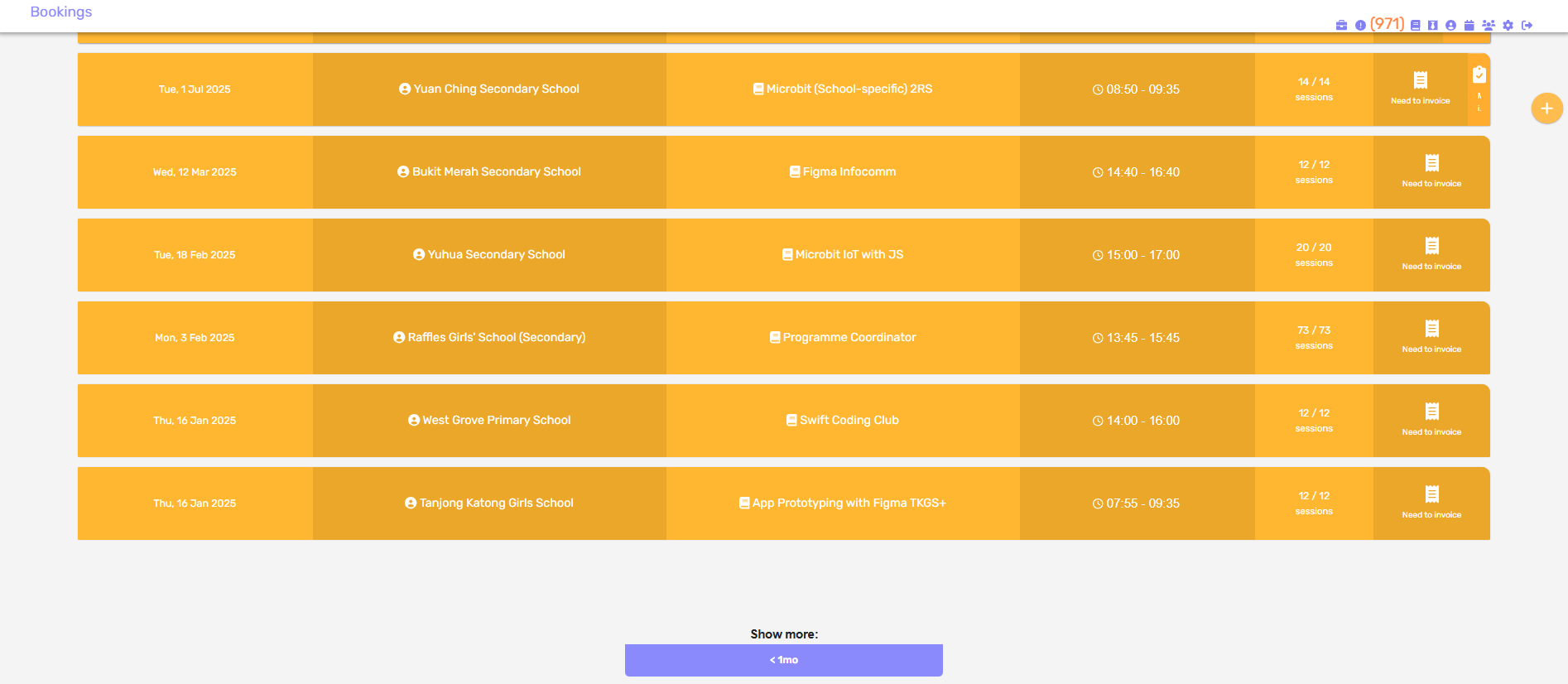
The old Bookings page.
The new Bookings page (at this point the API was still in the midst of being set up)
Initially, we tried programming everything by hand, using React Router v7 in Framework Mode with Vite, with whatever limited knowledge we had on React and through numerous hours manually scraping through the documentation. However, we soon realised the inefficiency of doing so, and so we rode on the contemporary AI wave and heavily “abused” Claude to produce the code for our desired frontend webpage. While initially an ideal solution to churning out tons of boiler code, it quickly became a disaster when it came to more complicated prompts and tasks that arose later on in the development journey, especially when it came to adding certain new functionalities without implicating the already-present functions. Afterward became trial and error between using Claude to improve our standard of living, and cursing at Claude whenever it messes up the code forcing us to manually revert changes and fix things ourselves.
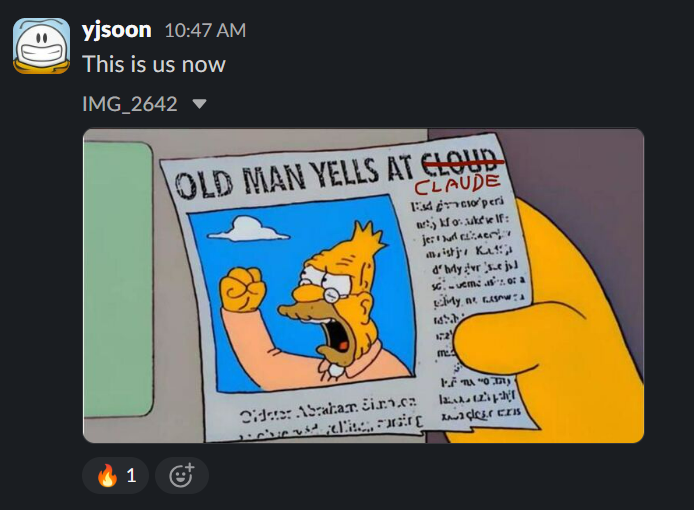

Claude, 2025
This project taught me many lessons about programming in real-world context with other collaborators. My first takeaway concerned Merge Conflicts. These were absolute pains to deal with for people who didn’t always know what they were doing (me halfway through when I overabused Claude), and a forgotten pull half an hour ago could lead to pulling out my hair merging thousand lines of code with thirty over conflicting areas, with merging one potentially leading to the rest of the program going up in smoke. Another valuable lesson is that communication is imperative when working on projects, be it between collaborators or with clients (in this case our client is our boss, Akmal) when deciding on how the end product should turn out. It is always better to ask questions to clarify than to guess their intentions on what I think they would want. Last but not least, documentation. Be it pictures or step-by-step instructions in a markdown file, documentation helps greatly when facing similar problems in the future, for ourselves and for others.
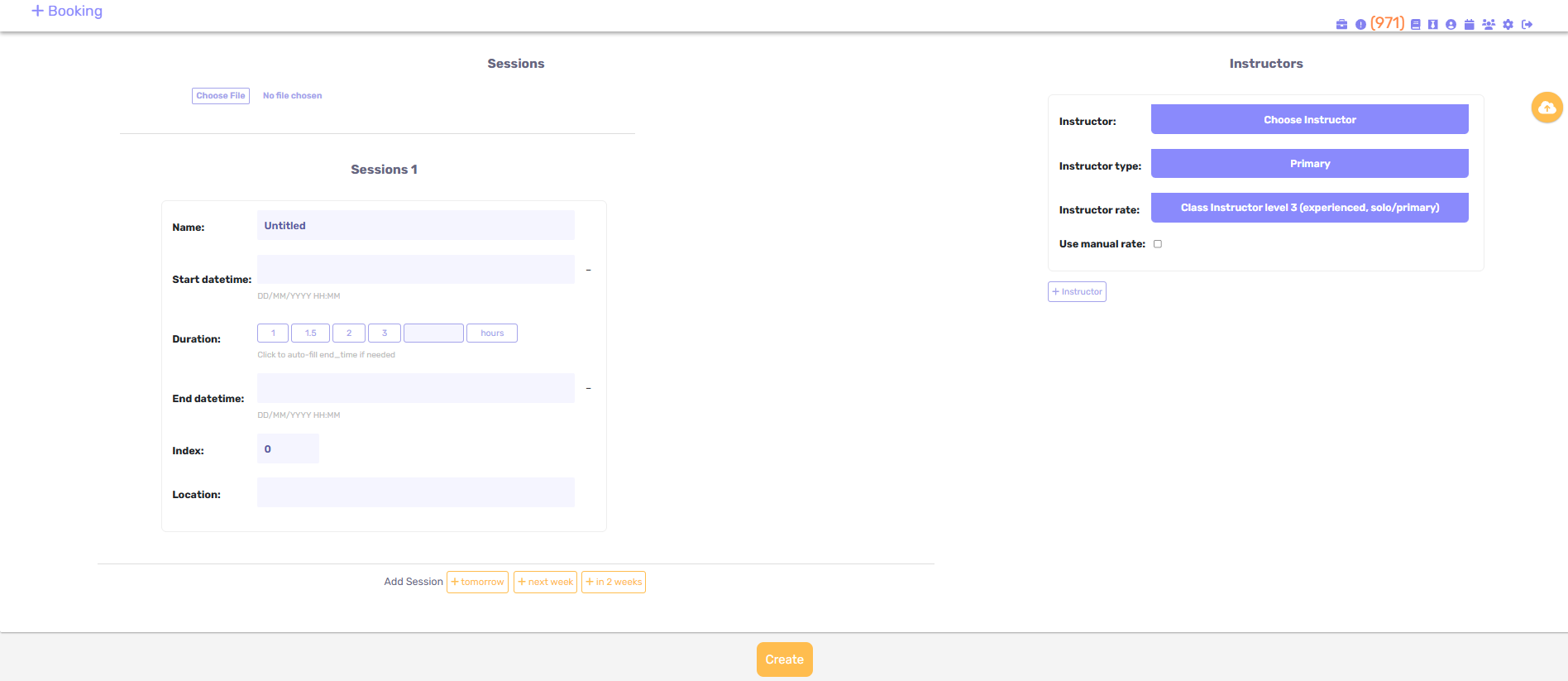
The old Add Booking page.
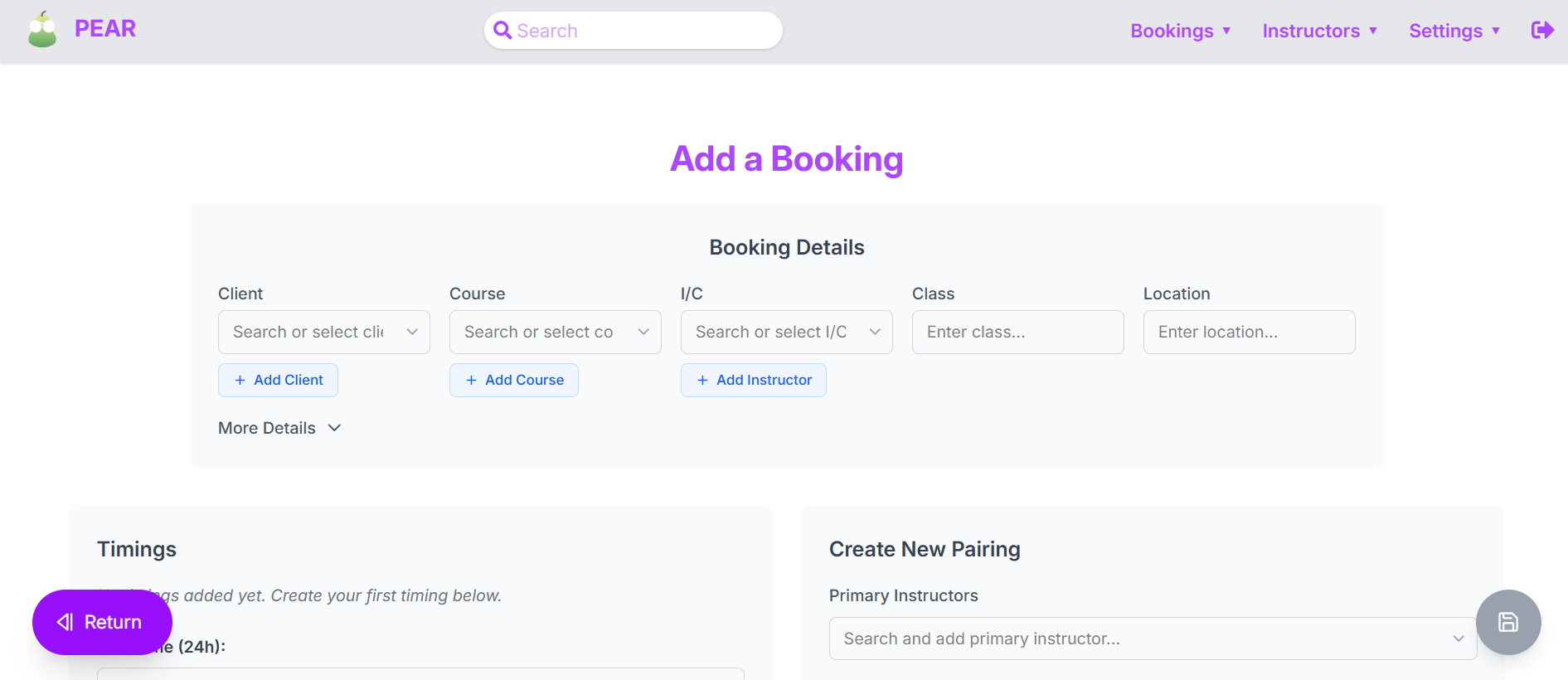
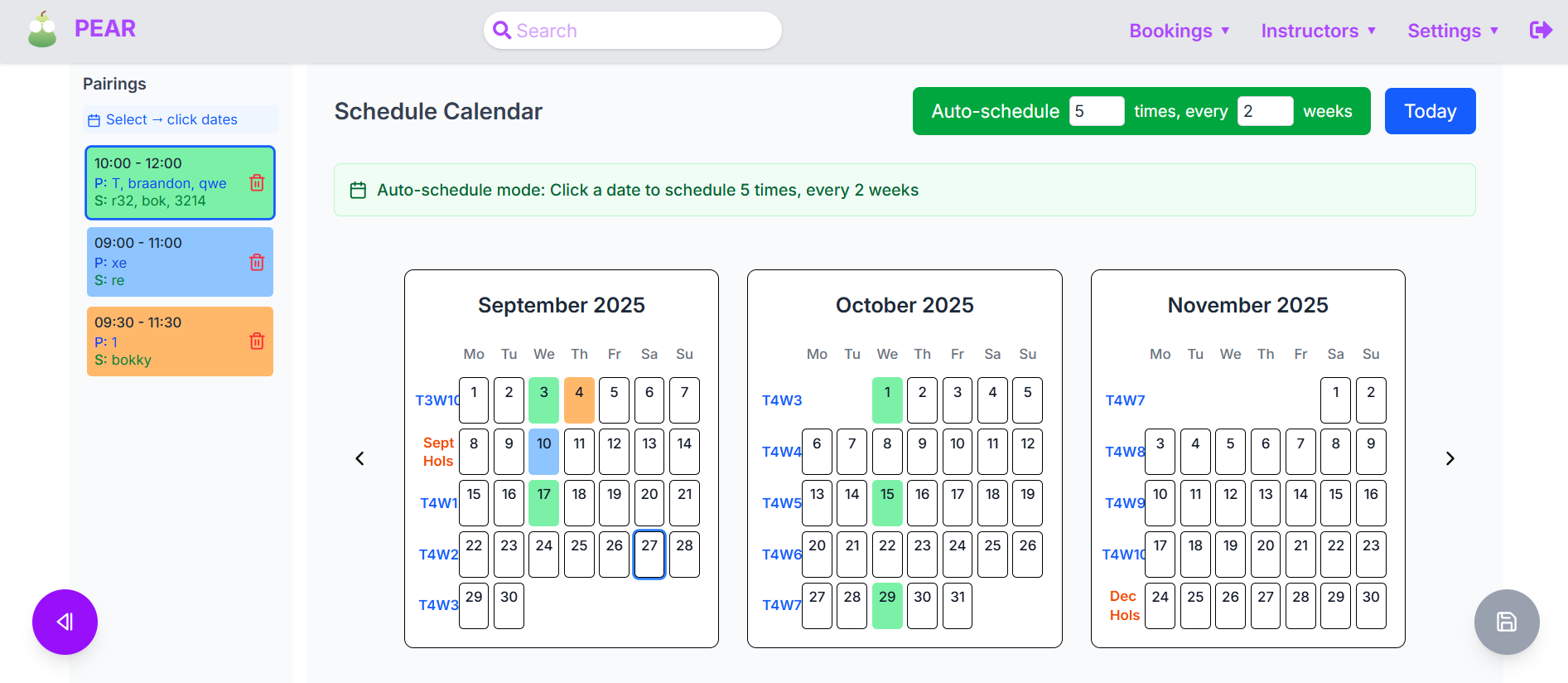
The new Add Booking page, with a new pairing-calendar click function.
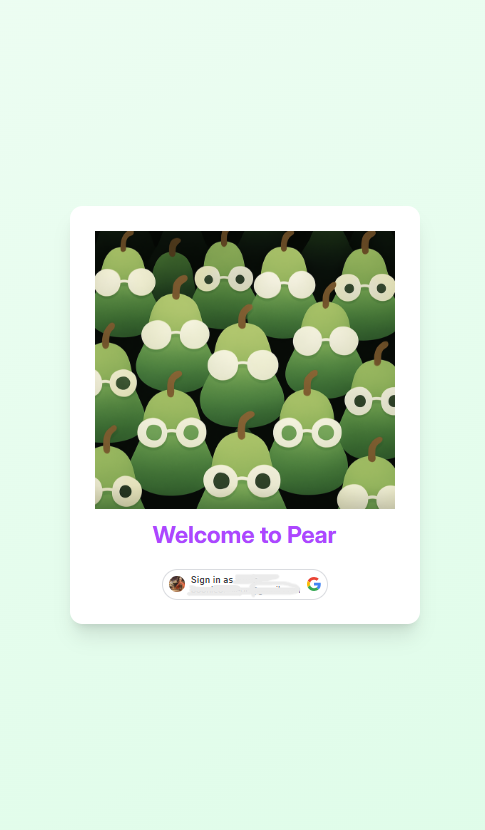
The new landing page.
DSTA BrainHack 2025 CODE_EXP
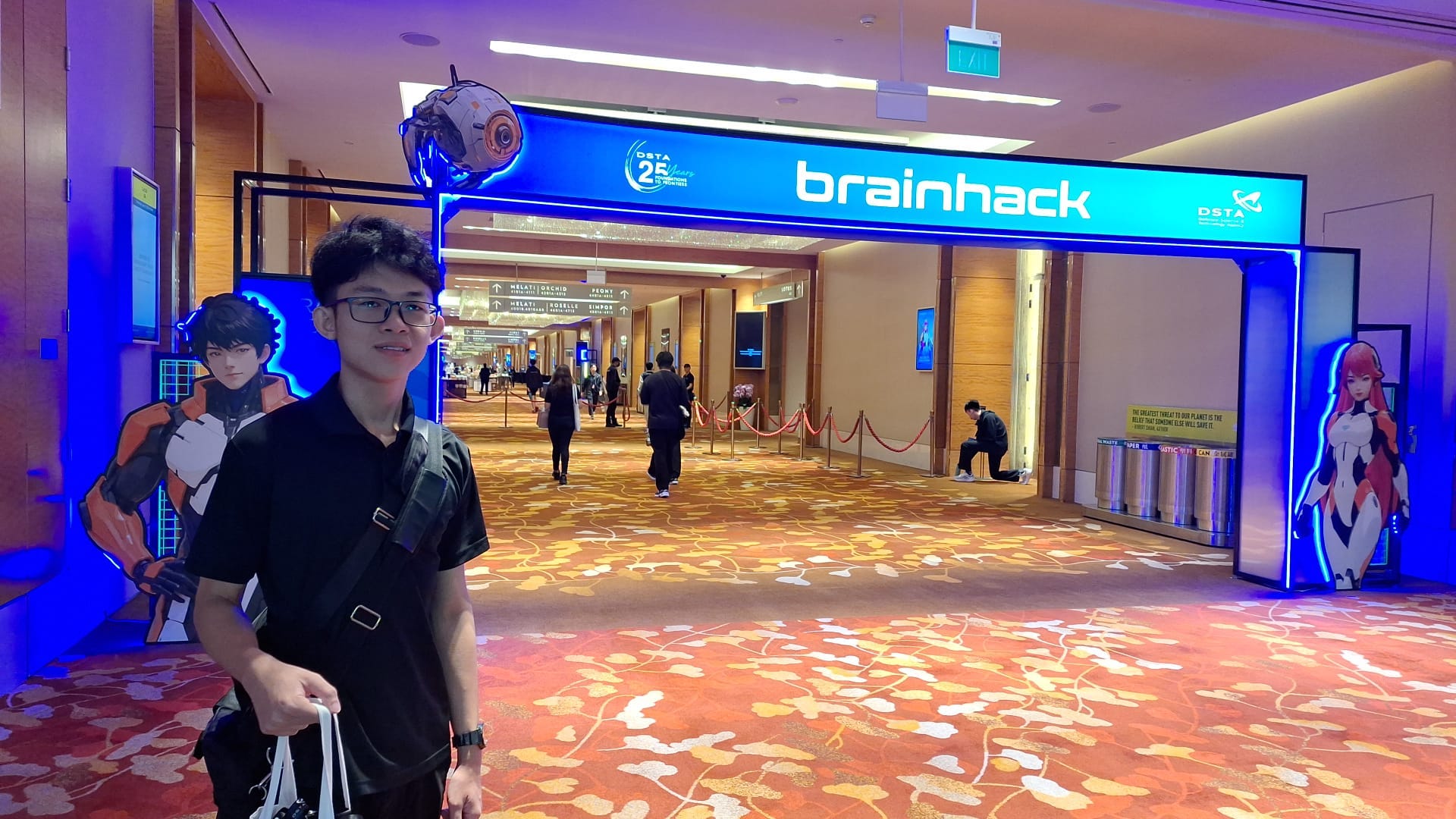
A photo of me at DSTA BrainHack 2025.
Too many to list
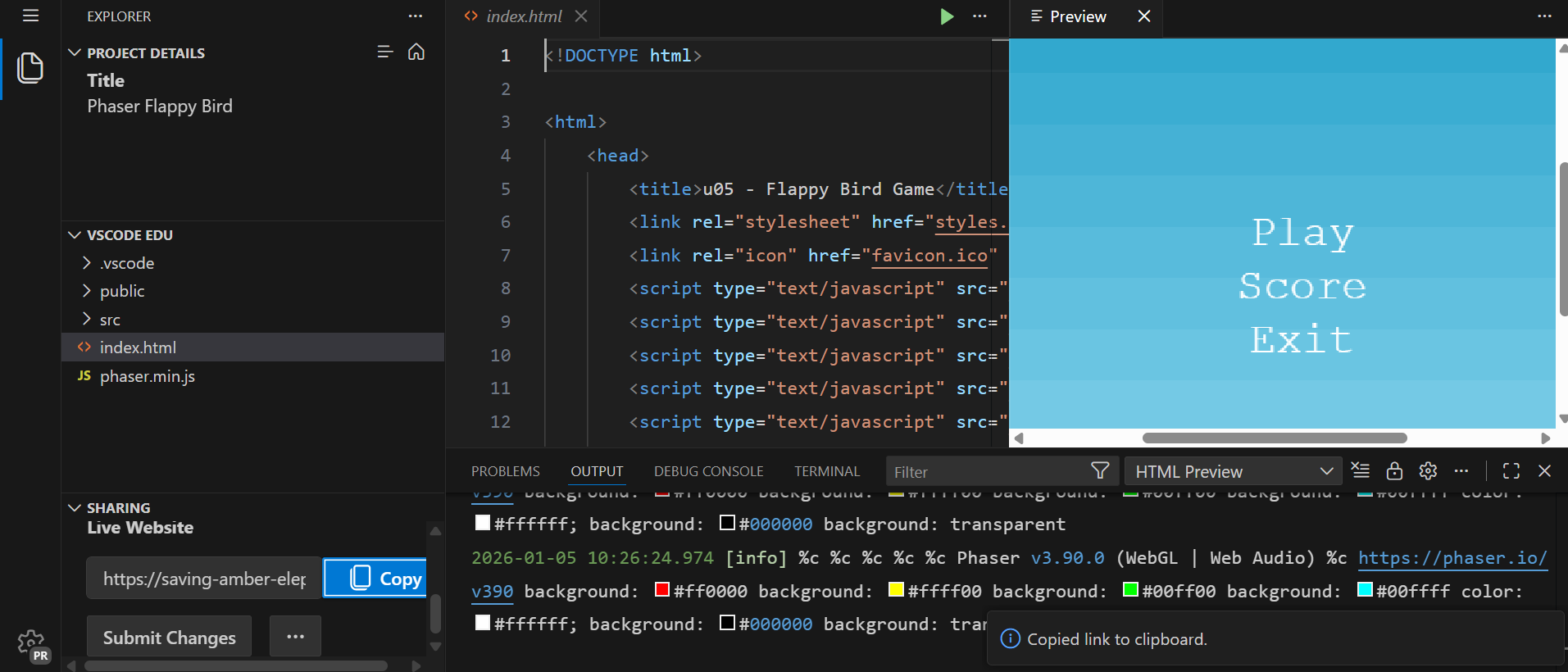
Developing a Flappy Bird Game using Phaser.
There were many other projects that I worked on during my short stint at Tinkertanker, ranging from designing a possible science and simple coding curriculum for primary students in Indonesia; to helping out as mentors with Brandon and Chavonz at the Science Centre for the Youth Sustainability Championship; to helping with grading app submissions for competitions like the SG60 Figma Challenge and the Swift Explorers Challenge. I also helped update the curriculum for game development with Phaser (more fun games, including Flappy Bird and No Internet Dino — using just web-based JavaScript and HTML, no less!), and, together with Brandon, even helped to take classes in multiple secondary schools as both main trainers and assistant trainers. (As an introvert, soloing main trainer was really scary at first!) These classes allowed us to witness the development of tech usage in secondary education, while also providing an opportunity to revisit the Micro:bit, Arduino, and HuskyLens and interact with students from different schools when introducing these cool electronics to them. Simultaneously, also preparing me for electronics in year one of computer engineering.