

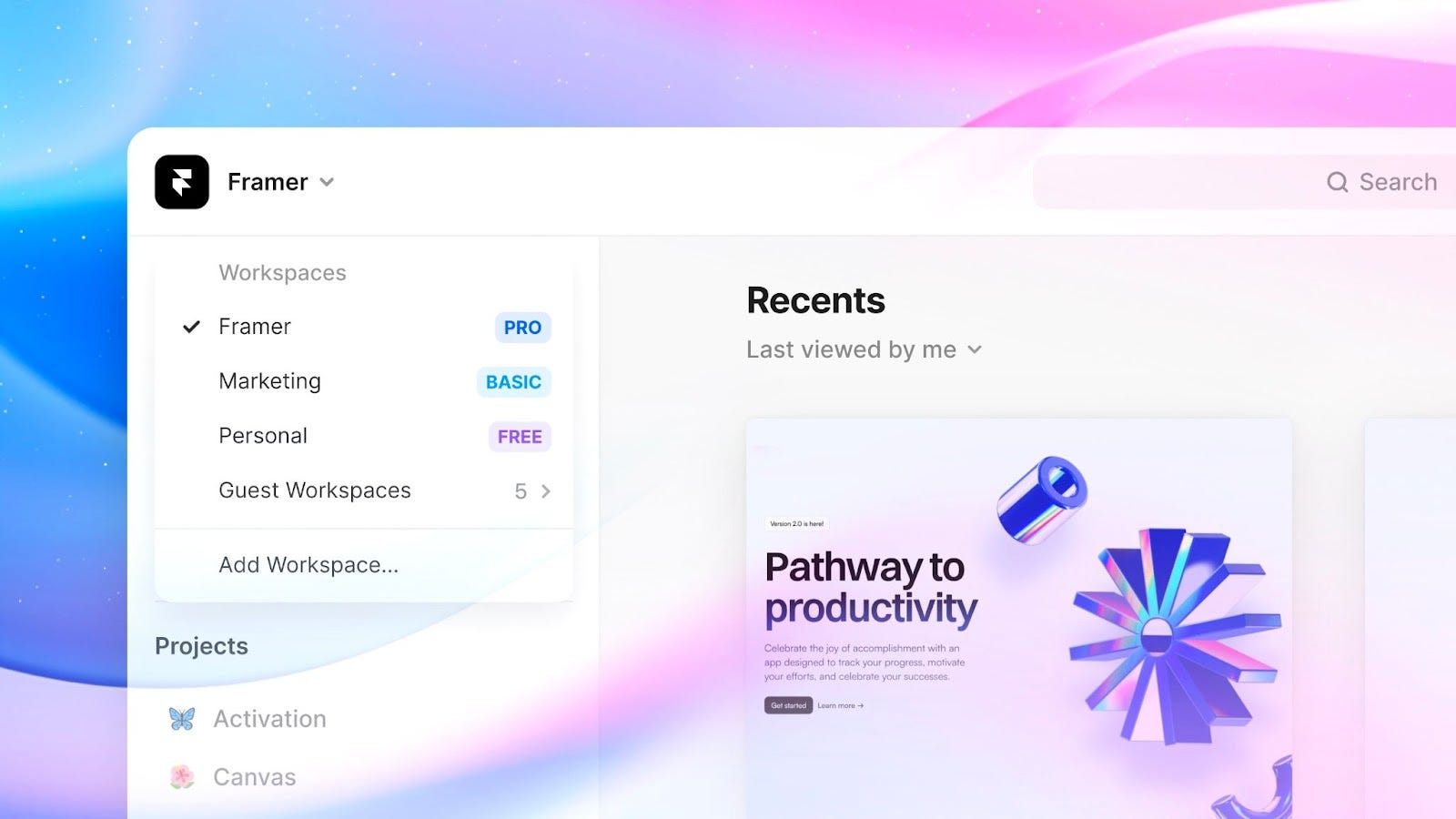
Framer Workspaces
Editor’s Note: Yun Xuan joined us as an intern over this recent summer break. She tirelessly worked on various projects, notably web development in Framer. Through her internship, she gleaned various insights which she has happily agreed to share with us below! Thank you Yun Xuan for your intriguing write-up!
Recently, I joined Tinkertanker as an intern and as part of my role I spent a half-dozen hours daily prodding and poking around at a spectacular website builder — ‘Framer’.
I know what you’re all thinking. Ughh, not another website builder. We’ve heard way too much about ground-breaking, effortless website builders already. Wix, Squarespace, Webflow, GoDaddy…
But before you roll your eyes, I beg you to spare me two minutes. Framer isn’t just another flashy website builder. There’s a lot more to it than its plain ol’ name suggests. So read on and be amazed!
3 Mind-Blowing ‘Framer’ Features
Captivating Animations
For starters, website builders typically have limited animation capabilities. You’re usually stuck with simple “fade in, fade out” or “slide in” animations. Think olden day Powerpoint animations — boring! However, Framer is different.
Imagine animating a button to transform a page into something completely new and striking. With Framer, this can be done without any qualms. Such unique animations are a sure-fire way to attract your audiences’ attention and keep them glued to your website for longer! See for yourself ⬇️
Superior AI Functionality
With in-built AI features, Framer auto-generates content such as headlines, product descriptions and other website copy according to the context of your design. Such suggestions saved me loads of time and effort, accelerating the entire process of web development — and I’m sure it will do the same for you too!
But what I really cherished the most was how Framer’s AI can analyse your design and offer suggestions for layout, colour scheme and typography. I personally enjoyed the ability to choose between different colour schemes, and be able to preview them instantly, which made the design process more efficient and fun.
Streamlined Content Management System (CMS)
Another completely bafflingly great part about Framer is its CMS. Simply building a CMS table allows you to have a million and one possible ways of presenting the exact same content. You can choose from: Grid, Gallery, Masonry, Split-Screen, Parallax Scrolling Layouts and so much more!
As you can probably tell by now, Framer is designer-centric. For all web developers who struggle to get your web page to look professional, elegant and functional — Framer is the way to go.
How Does ‘Framer’ Work?
Now I know you’ve heard this already; multiple times. You simply drag-and-drop the components you want into Framer to build your website, just like you would on design platforms such as Figma or Sketch. Framer is as simple as it gets.
Web development on Framer is a piece of cake and if you’re familiar with Figma, that’s a bonus because Framer shares a very similar layout and workflow to Figma, making it that much more easier to grasp.
Whilst Framer is intuitive and user-friendly, it has many functionalities which can overload beginner developers. Hence, make sure to start with the basic and gain a strong grasp of them before leaping into advanced animations, interactivity, dynamism, etc.
How I Used ‘Framer’?
During my internship, I worked on Framer for various projects. With Framer, I created a handful of websites and demos and took a crack at the different functionalities Framer had to offer. My main project was working on the Tinkertanker corporate website.
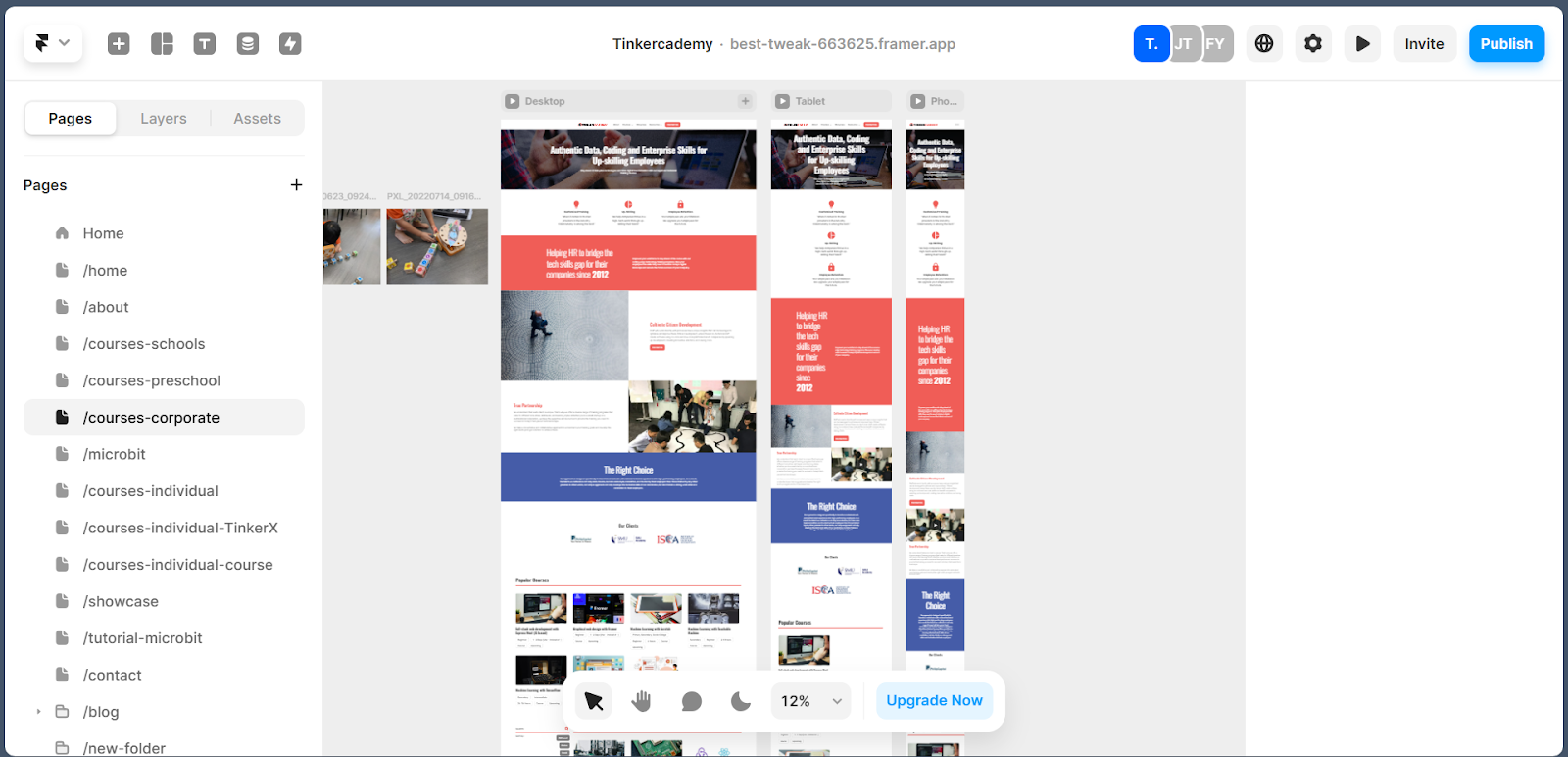
A screenshot of what I stared at most of the time in the office
I successfully created new pages, reworked the CMS, fixed dynamic layouts, ported over old site content, and so much more. After working with Framer extensively over a period of three months, I definitely feel that it has a strong appeal.
It’s a tool I’d recommend trying out for those who have worked with other existing web builders, especially those who have worked with Figma before. I found that Framer was relatively intuitive to pick up and can easily be used to create powerful, yet aesthetic websites quickly (e.g. blogs, portfolio websites).
In addition to Framer’s numerous tutorials and guides online, Framer is constantly pushing out new updates. Hence, I’d most certainly keep an eye out for what else Framer has in store for the future. And of course, I’m looking forward to making use of Framer again in future projects!
Parting Thoughts
Web design might seem intimidating if you’re not a designer or developer, but now you know the secret! All you’ve got to do is: Use Framer.
If you’ve enjoyed reading this, please give me a clap and share it with your friends. Of course, feel free to leave a comment too!
Other Lessons from my Internship
Aside from Framer, I also got a chance to work on many other non-website related projects. Feel free to read on to see what else I was up to during my internship at Tinkertanker ;)
Others: Trying Out New Things — Teaching
Stepping into the role of the educator in a classroom was both exciting and pretty nerve-wracking. Having mostly been on the student side of the classroom, being a trainer/assistant felt new and a bit surreal. It was amusing to observe students attempting to hide their distractions when I walked by, a scene that brought back memories of my own school days and definitely made me feel nostalgic about the times I did the same.
Observing seasoned trainers and occasionally taking on the main trainer role myself definitely gave me a newfound respect for the effort and expertise that goes into teaching. It made me re-appreciate the work my past teachers put into making learning enjoyable, while having to manage the classroom and covering the curriculum. They have shown me that teaching was not just about imparting knowledge, but also about engaging students, keeping them motivated, and creating an environment conducive to learning. This experience has made me value the dedication and skill required to be an effective educator.
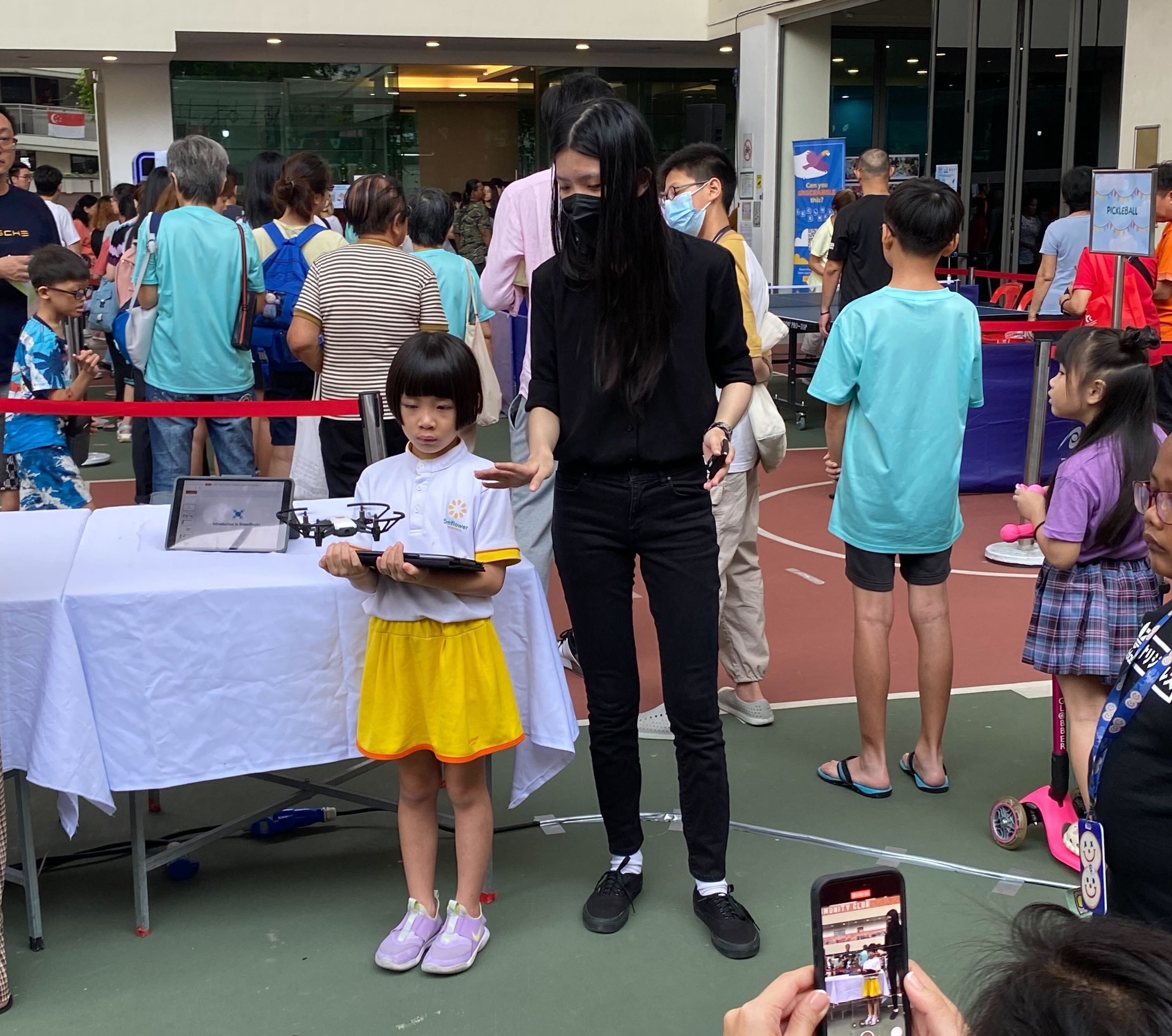
Tello Drone flying and coding at Kebun Bahru CC Family Day & Passionarts Festival 2024
Others: Creating Content with Unity + Spline & More Teaching!
Though I used Framer for the main projects I worked on during my internship, I had the opportunity to explore and work on a variety of different things. I utilised some of my existing knowledge of Unity along with new stuff I had to pick up along the way to draft some educational content. I also experimented with Spline, which was an interesting 3D design tool for use in websites. Furthermore, as mentioned previously I had the chance to assist in numerous classes, ranging from primary and secondary schools to corporate training sessions and public events. Occasionally, I was tasked to take on the role of the main trainer as well, which was both a challenging and rewarding experience. This exposure helped me develop a deeper appreciation for the intricacies of teaching and the efforts of seasoned educators.
Overall, all these experiences have made my internship a thoroughly enjoyable and educational experience. I believe it provided me with a diverse set of skills and insights that I will carry forward in my professional journey. I am very grateful to everyone who helped make this enriching experience possible.
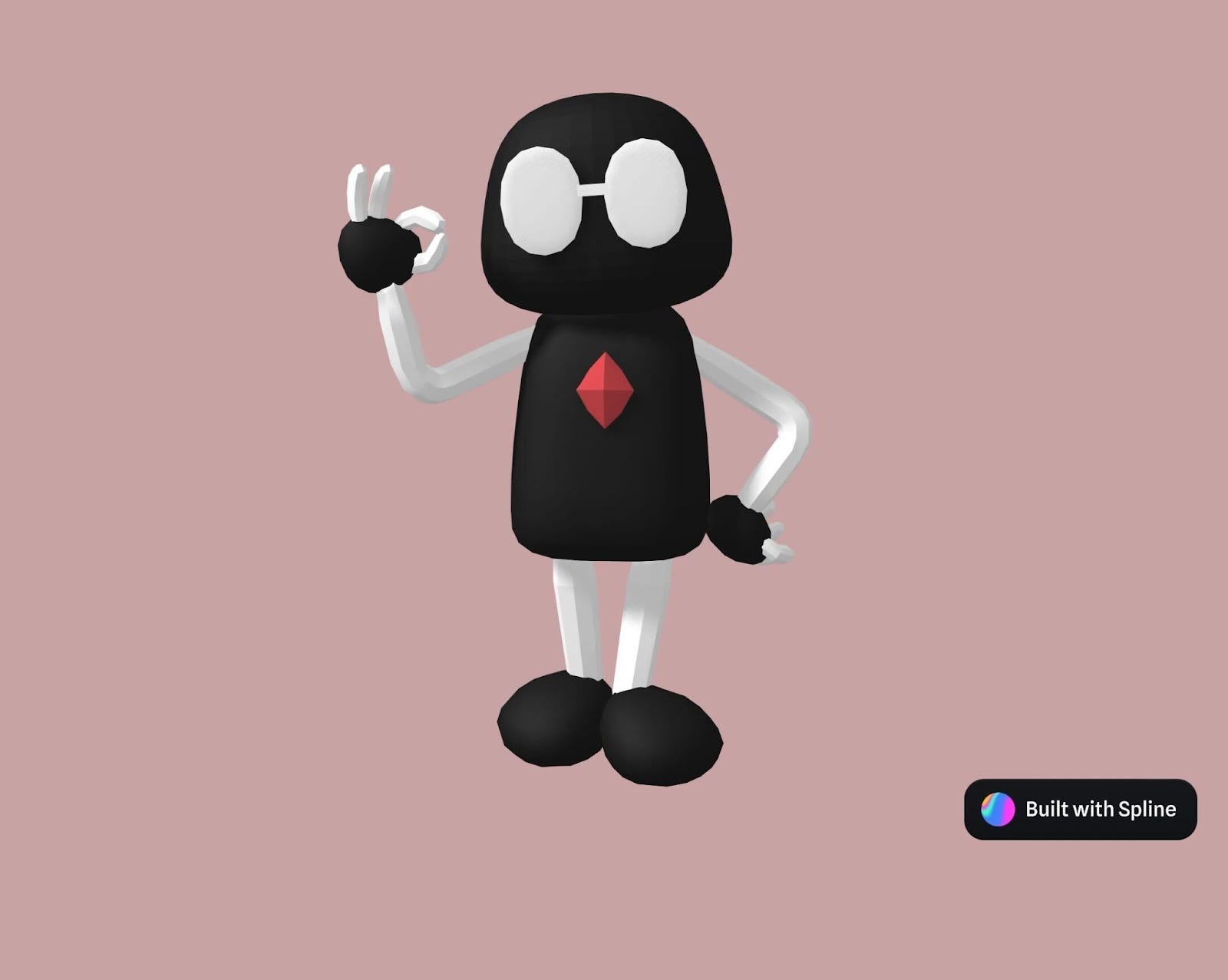
TKrobot I modelled in Spline